应用全局阈值分割
在本练习中,您将把一张照片转换为二值图像,以便将前景与背景分离。
为此,您需要导入所需模块、加载图像,使用 threshold_otsu() 获取最佳阈值,并将其应用到图像上。
使用之前介绍过的 show_image() 函数,您将看到二值化后的结果图像。
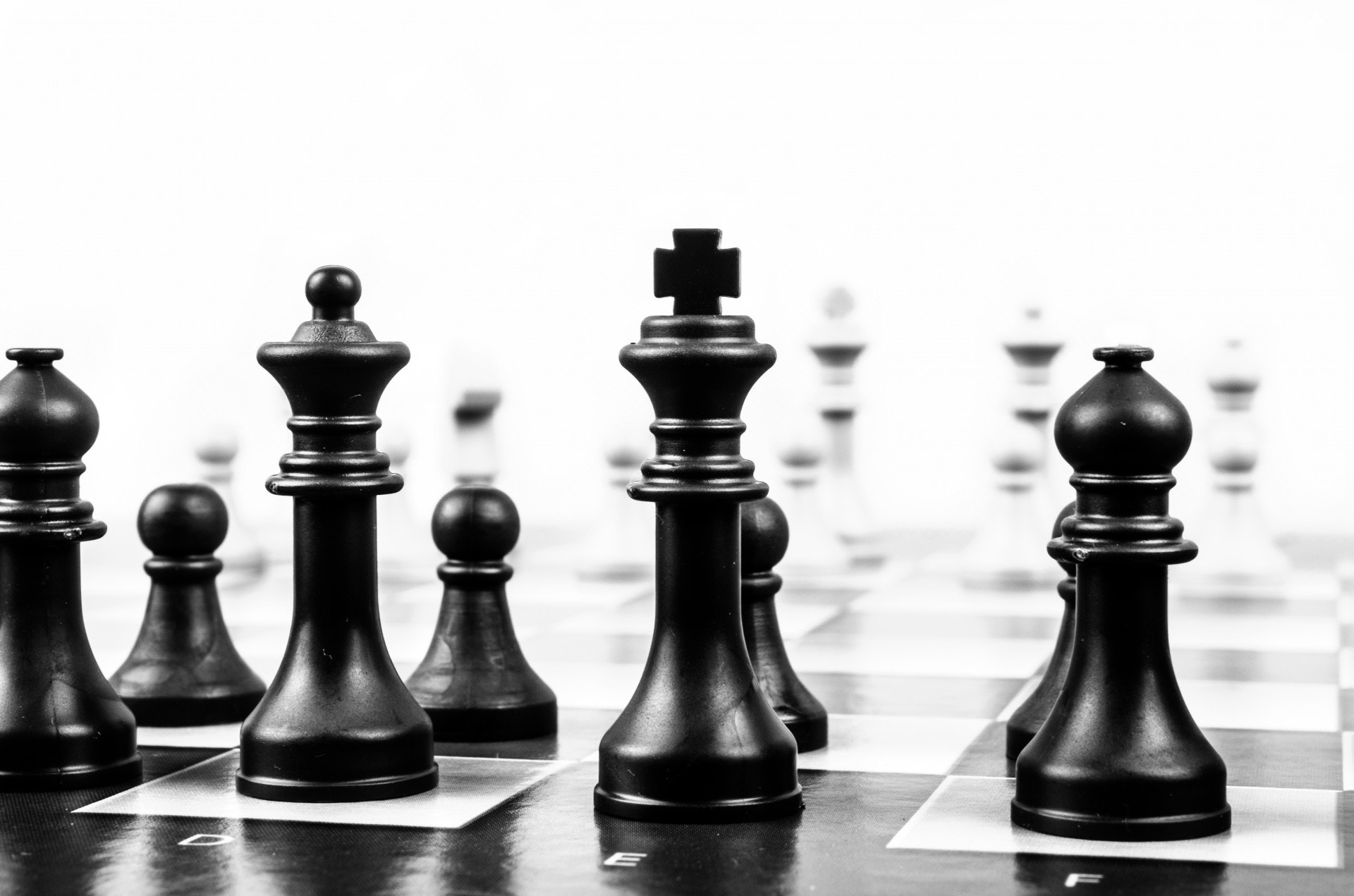
图像已加载为
chess_pieces_image。
请记得需要先将彩色图像转换为灰度图。我们将使用前面视频学到的 rgb2gray() 函数,这个函数已为您导入。
本练习是课程的一部分
Python 图像处理
练习说明
- 导入 Otsu 阈值函数。
- 将图像转换为灰度图。
- 获取图像的最佳阈值。
- 对图像应用阈值分割。
交互式实操练习
通过完成这段示例代码来试试这个练习。
# Import the otsu threshold function
from skimage.____ import ____

# Make the image grayscale using rgb2gray
chess_pieces_image_gray = ____(____)

# Obtain the optimal threshold value with otsu
thresh = ____(____)

# Apply thresholding to the image
binary = chess_pieces_image_gray ____ ____

# Show the image
show_image(binary, 'Binary image')