按比例缩放
我们想要将一家兽医博客网站的图片缩小,使它们都具有相同的压缩尺寸。
关键是要按比例缩放,确保图像不失真。
首先,请先对一张图片尝试,这样您就知道之后在其余图片上要使用的代码。
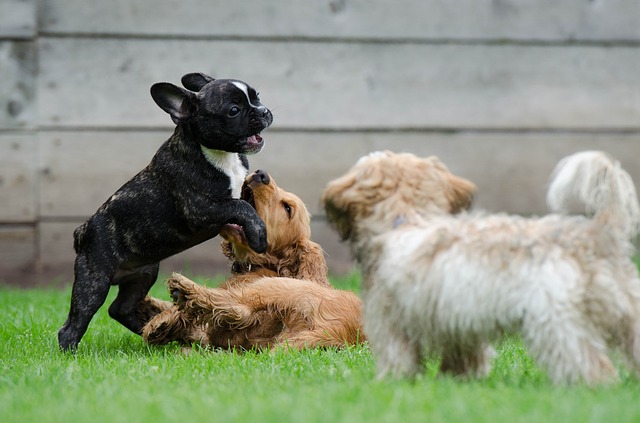
预加载为
dogs_banner 的图像。
请记住,通过查看图像的形状,您可以知道它的宽度和高度。
本练习是课程的一部分
Python 图像处理
练习说明
- 导入用于缩放的模块和函数。
- 设置按比例的高度和宽度,使其为原图高度的一半。
- 使用计算得到的按比例高度和宽度进行缩放。
交互式实操练习
通过完成这段示例代码来试试这个练习。
# Import the module and function
from skimage.___ import ____

# Set proportional height so its half its size
height = int(____ / 2)
width = int(____ / 2)

# Resize using the calculated proportional height and width
image_resized = ____(dogs_banner, (____, ____),
                       anti_aliasing=True)

# Show the original and resized image
show_image(dogs_banner, 'Original')
show_image(image_resized, 'Resized image')