隐私保护
让我们把您在课程中学到的知识应用到真实场景中。
在本练习中,您将检测图像中的人脸,并出于隐私考虑,自动对图像中人物的面部进行模糊处理以实现匿名化。
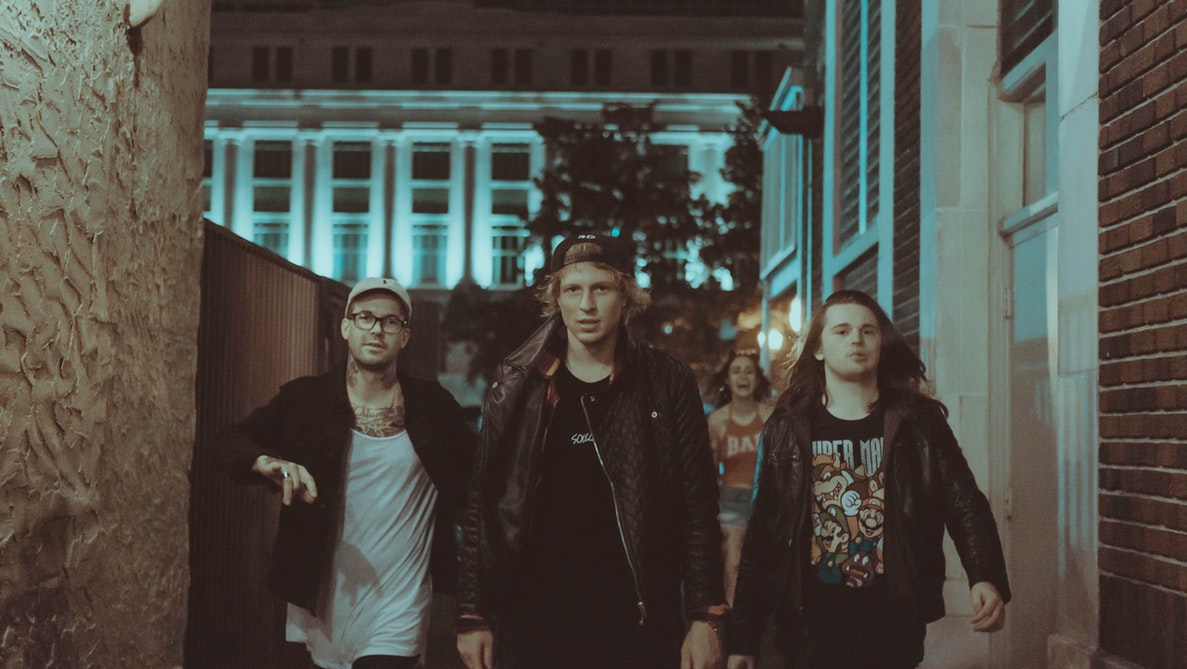
group_image。您可以使用高斯滤波来实现模糊效果。
人脸检测器已就绪,变量名为 detector,且所需的所有包都已导入。
本练习是课程的一部分
Python 图像处理
练习说明
- 使用
detector检测图像中的人脸,将搜索窗口的最小尺寸设为 10×10 像素。 - 使用 for 循环遍历每个检测到的人脸。
- 应用高斯滤波以检测并模糊人脸,
sigma设为 8。
交互式实操练习
通过完成这段示例代码来试试这个练习。
# Detect the faces
detected = ____.____(img=____,
                                       scale_factor=1.2, step_ratio=1,
                                       min_size=____, max_size=(100, 100))
# For each detected face
for d in ____:
    # Obtain the face rectangle from detected coordinates
    face = getFaceRectangle(d)

    # Apply gaussian filter to extracted face
    blurred_face = ____(face, multichannel=____, sigma = ____)

    # Merge this blurry face to our final image and show it
    resulting_image = mergeBlurryFace(group_image, blurred_face)
show_image(resulting_image, "Blurred faces")