尝试其他方法
正如视频所示,当您不确定该用哪种阈值化方法时,这并不成问题。实际上,scikit-image 提供了一个函数,可以一次性比较多种方法,方便您亲自查看哪种更合适。它会返回一个图像,比较不同全局阈值化方法的输出。
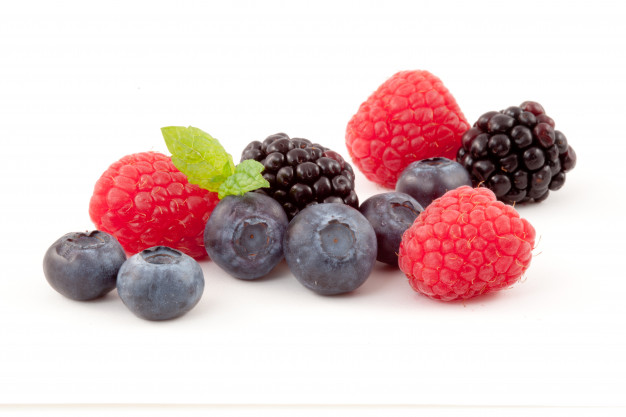
图像已加载为
fruits_image。
您将把该函数应用于这张图像。matplotlib.pyplot 已作为 plt 加载。请记住,您可以使用 try_all_threshold() 来尝试多种全局算法。
本练习是课程的一部分
Python 图像处理
练习说明
- 导入"尝试所有"函数。
- 导入 RGB 转灰度转换函数。
- 将水果图像转换为灰度图。
- 在得到的灰度图上使用"try all"方法。
交互式实操练习
通过完成这段示例代码来试试这个练习。
# Import the try all function
from skimage.____ import ____

# Import the rgb to gray convertor function
from skimage.____ import ____

# Turn the fruits_image to grayscale
grayscale = ____

# Use the try all method on the resulting grayscale image
fig, ax = ____(____, verbose=False)

# Show the resulting plots
plt.show()