使用 CLIP 的零樣本學習
你將使用零樣本學習來分類一張來自 rajuptvs/ecommerce_products_clip 資料集的影像。這個資料集包含約 2k 張商品圖片與對應的描述:
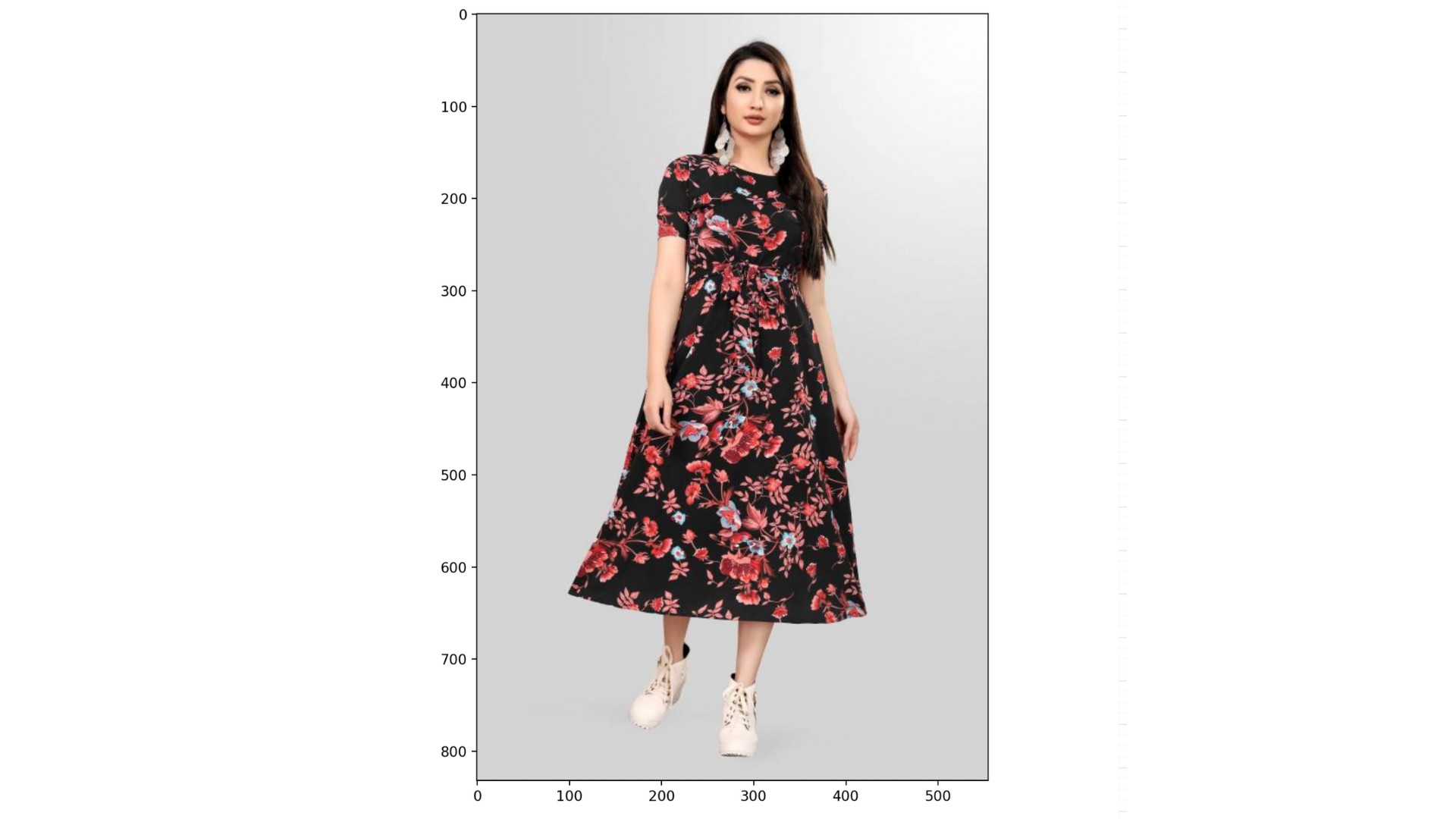
我們已為你載入資料集(dataset)、CLIPProcessor(processor)與 CLIPModel(model),以及一組類別清單:
categories = ["shirt", "trousers", "shoes", "dress", "hat",
              "bag", "watch", "glasses", "jacket", "belt"]
本練習屬於課程
使用 Hugging Face 的多模態模型
練習說明
- 使用
processor前處理categories與dataset中索引為999的影像;啟用 padding。 - 將解包後的
inputs傳入model。 - 使用
.logits_per_image屬性與.softmax()方法計算各類別的機率。 - 使用
probs與categories找出最可能的類別。
動手互動練習
試著完成這個範例程式碼,體驗一下這個練習。
# Preprocess the categories and image
inputs = ____(text=____, images=____, return_tensors="pt", padding=____)

# Process the unpacked inputs with the model
outputs = ____

# Calculate the probabilities of each category
probs = outputs.____.____(dim=1)

# Find the most likely category
category = categories[probs.____.item()]
print(f"Predicted category: {category}")