尋找最受歡迎的文字轉影像模型
現在來精煉搜尋條件,從 Hugging Face Hub 找到並載入 CompVis 發布、最受歡迎的文字轉影像 Stable Diffusion 模型。
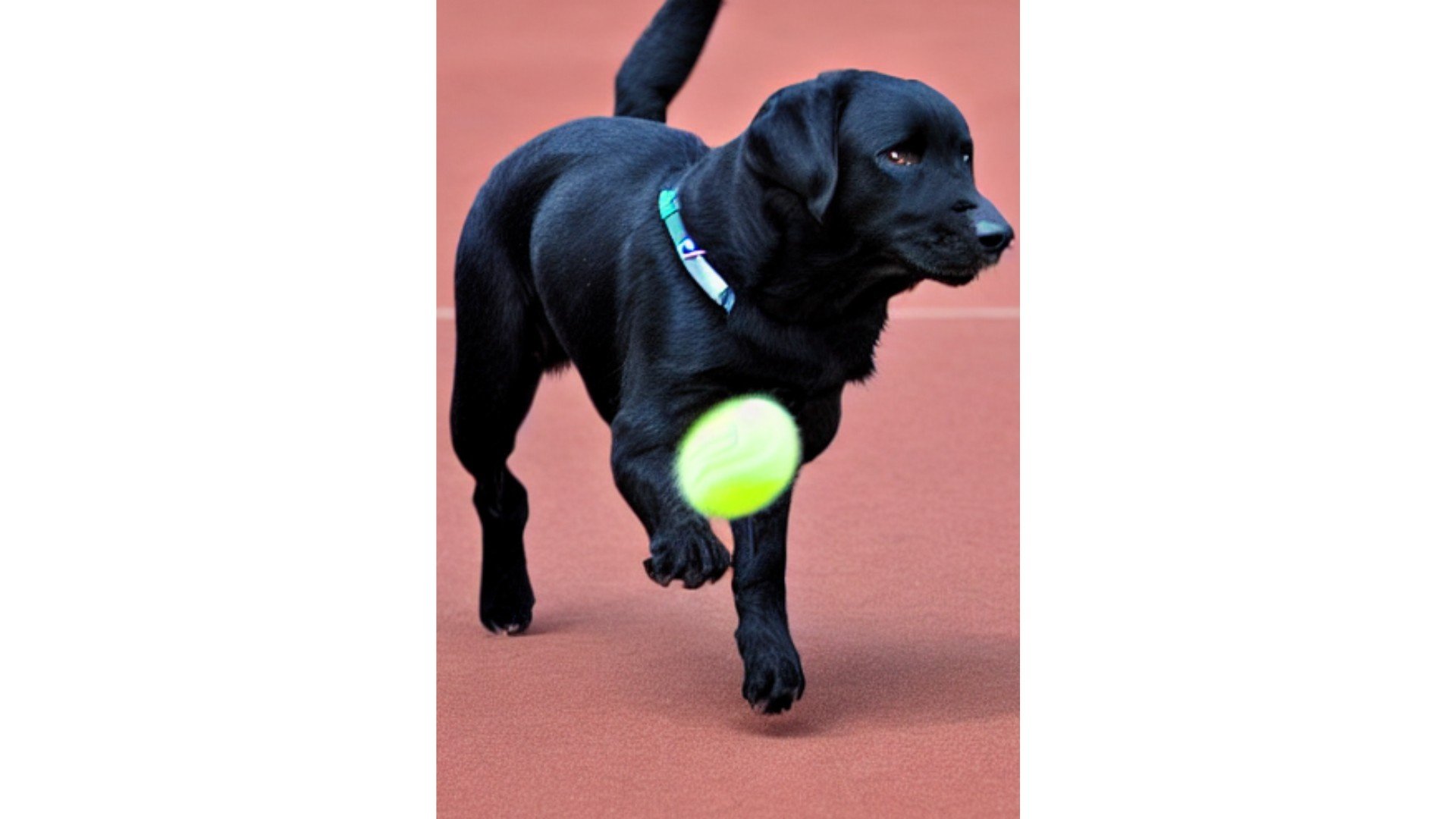
Hugging Face Hub API(api)已載入,diffusers 函式庫中的 StableDiffusionPipeline 模組也已就緒。使用 Stable Diffusion 模型時,你可以根據任意提示詞來產生影像,例如:「a black labrador chasing a tennis ball」。
本練習屬於課程
使用 Hugging Face 的多模態模型
練習說明
- 僅使用屬於
text-to-image任務的模型。 - 使用合適的標籤,確保模型可由
diffusers函式庫的StableDiffusionPipeline類別載入。 - 依照
"likes"的數量排序結果。 - 使用模型的 ID,從
models載入最受歡迎的模型。
動手互動練習
試著完成這個範例程式碼,體驗一下這個練習。
models = api.list_models(
    # Filter for text-to-image tasks
    task="____",
    author="CompVis",
    # Filter for models that can be loaded by the diffusers library
    tags="diffusers:____",
    # Sort according to the most popular
    sort="____"
)

models = list(models)

# Load the most popular model from models
pipe = StableDiffusionPipeline.from_pretrained(models[0].____)