套用全域閾值化
在這個練習中,你將把一張照片轉成二值影像,好把前景與背景分離。
為此,你需要匯入必要的模組、載入影像、使用 threshold_otsu() 取得最佳閾值,並將它套用到影像上。
使用先前介紹的 show_image() 函式時,你會看到二值化後的結果。
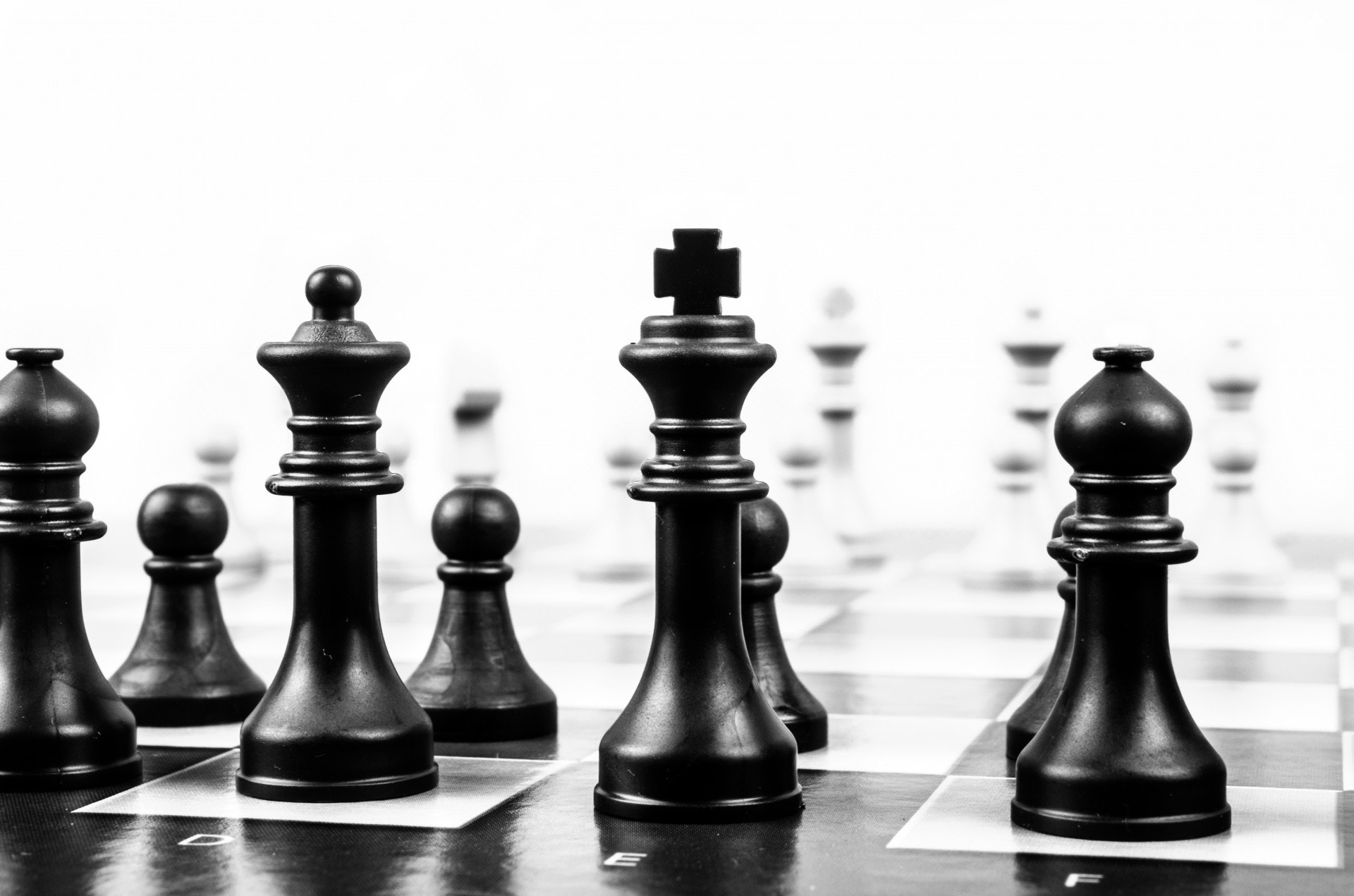
影像已載入為
chess_pieces_image。
記得要先把彩色影像轉為灰階。我們會使用先前影片中學到的 rgb2gray() 函式。此函式已為你匯入。
本練習屬於課程
Python 影像處理
練習說明
- 匯入 Otsu 閾值函式。
- 將影像轉為灰階。
- 取得影像的最佳閾值。
- 對影像套用閾值化。
動手互動練習
試著完成這個範例程式碼,體驗一下這個練習。
# Import the otsu threshold function
from skimage.____ import ____

# Make the image grayscale using rgb2gray
chess_pieces_image_gray = ____(____)

# Obtain the optimal threshold value with otsu
thresh = ____(____)

# Apply thresholding to the image
binary = chess_pieces_image_gray ____ ____

# Show the image
show_image(binary, 'Binary image')