嘗試其他方法
正如影片中所說,當你不確定要用哪一種門檻化方法時,這並不是問題。實際上,scikit-image 提供了一個函式,讓你一次檢視多種方法並自行判斷最合適的選項。它會回傳一個圖形,將不同「全域」門檻化方法的輸出結果並列比較。
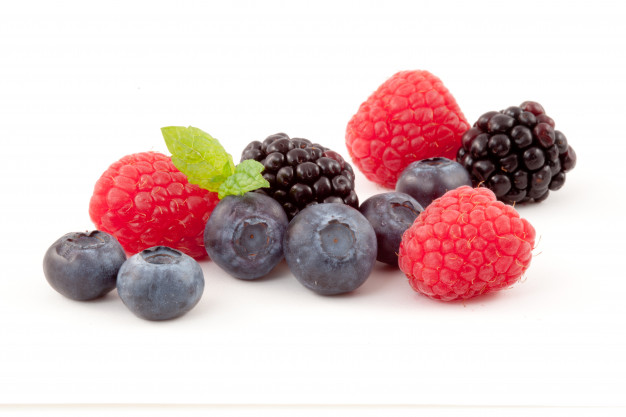
影像已載入為
fruits_image。
你將把這個函式套用到此影像上,matplotlib.pyplot 已經以 plt 載入。記得你可以使用 try_all_threshold() 來嘗試多種全域演算法。
本練習屬於課程
Python 影像處理
練習說明
- 匯入「嘗試所有」的函式。
- 匯入將 RGB 轉為灰階的轉換函式。
- 將水果影像轉為灰階。
- 對得到的灰階影像套用「嘗試所有」的方法。
動手互動練習
試著完成這個範例程式碼,體驗一下這個練習。
# Import the try all function
from skimage.____ import ____

# Import the rgb to gray convertor function
from skimage.____ import ____

# Turn the fruits_image to grayscale
grayscale = ____

# Use the try all method on the resulting grayscale image
fig, ax = ____(____, verbose=False)

# Show the resulting plots
plt.show()