隱私保護
來看看你在課程中所學的內容如何應用在真實情境。
在這個練習中,你會在影像中偵測「人臉」,並為了隱私考量,自動將影像中的人臉模糊化以匿名化資料。
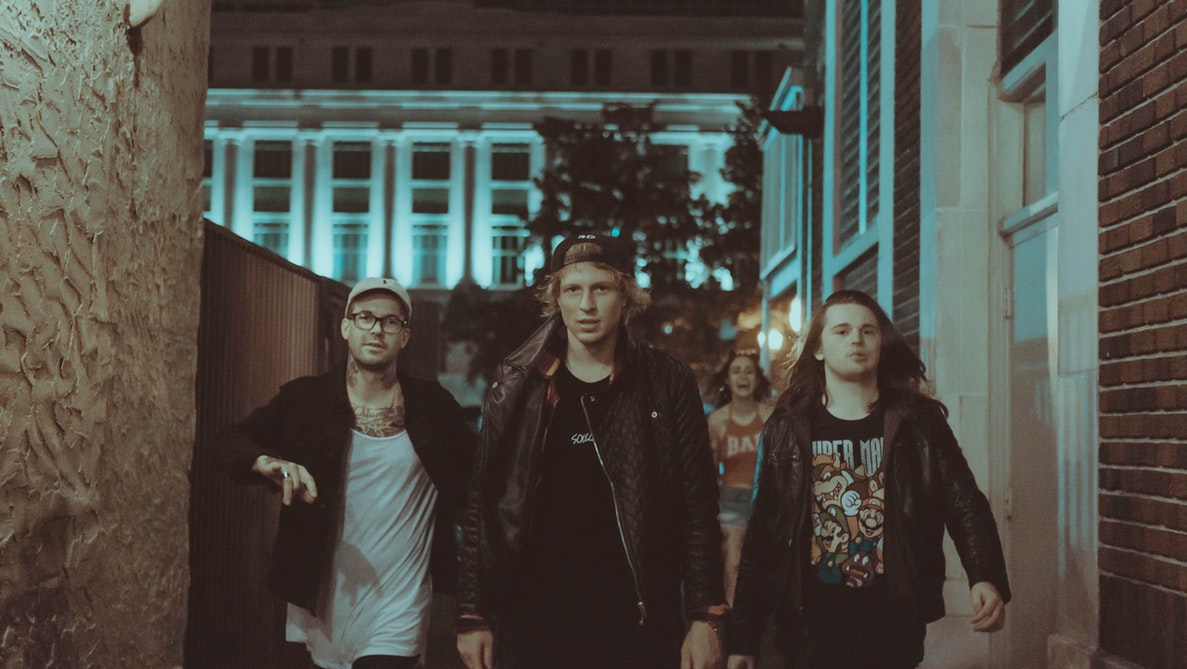
group_image 預先載入。你可以使用 gaussian 濾波器來產生模糊效果。
人臉偵測器已可直接使用,名稱為 detector,且所有需要的套件都已匯入。
本練習屬於課程
Python 影像處理
練習說明
- 使用
detector偵測影像中的人臉,將搜尋視窗的最小尺寸設為 10 × 10 像素。 - 使用 for 迴圈走訪每一個被偵測到的人臉。
- 套用 gaussian 濾波器以偵測並模糊人臉,sigma 設為 8。
動手互動練習
試著完成這個範例程式碼,體驗一下這個練習。
# Detect the faces
detected = ____.____(img=____,
                                       scale_factor=1.2, step_ratio=1,
                                       min_size=____, max_size=(100, 100))
# For each detected face
for d in ____:
    # Obtain the face rectangle from detected coordinates
    face = getFaceRectangle(d)

    # Apply gaussian filter to extracted face
    blurred_face = ____(face, multichannel=____, sigma = ____)

    # Merge this blurry face to our final image and show it
    resulting_image = mergeBlurryFace(group_image, blurred_face)
show_image(resulting_image, "Blurred faces")