側邊欄版面配置
版面配置函式可以在 UI 中安排輸入與輸出的呈現位置。良好的版面配置能讓 Shiny 應用程式更美觀,也能提升使用者體驗。
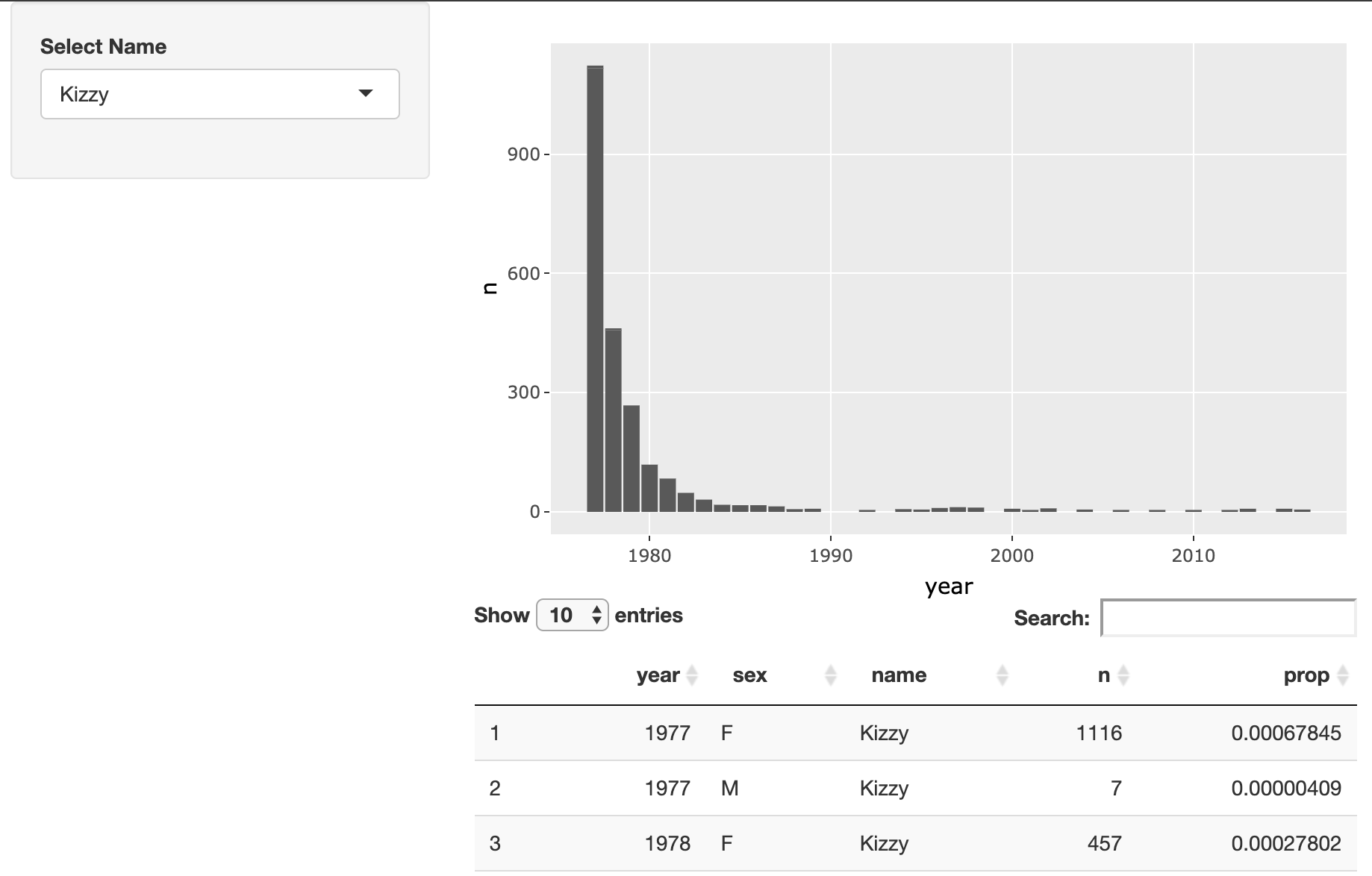
在這個練習中,你要修改一個 Shiny 應用程式的版面配置,讓使用者可以探索流行名字的受歡迎程度。完成後的應用程式應該在視覺上與下圖相近:
本練習屬於課程
使用 R 的 Shiny 建立網頁應用程式
練習說明
- 修改此應用程式的版面配置,讓名字選擇器出現在側邊欄,而圖形與表格出現在右側。
動手互動練習
試著完成這個範例程式碼,體驗一下這個練習。
ui <- fluidPage(
  # MODIFY CODE BELOW: Wrap in a sidebarLayout
    # MODIFY CODE BELOW: Wrap in a sidebarPanel
    selectInput('name', 'Select Name', top_trendy_names$name),
    # MODIFY CODE BELOW: Wrap in a mainPanel
    plotly::plotlyOutput('plot_trendy_names'),
    DT::DTOutput('table_trendy_names')
)

# DO NOT MODIFY
server <- function(input, output, session){
  # Function to plot trends in a name
  plot_trends <- function(){
     babynames %>%
      filter(name == input$name) %>%
      ggplot(aes(x = year, y = n)) +
      geom_col()
  }
  output$plot_trendy_names <- plotly::renderPlotly({
    plot_trends()
  })

  output$table_trendy_names <- DT::renderDT({
    babynames %>%
      filter(name == input$name)
  })
}

shinyApp(ui = ui, server = server)