上傳公開報表
如同你在第 1 章所見,Get It Done 是一個讓居民回報坑洞、破損人行道等問題的 App。
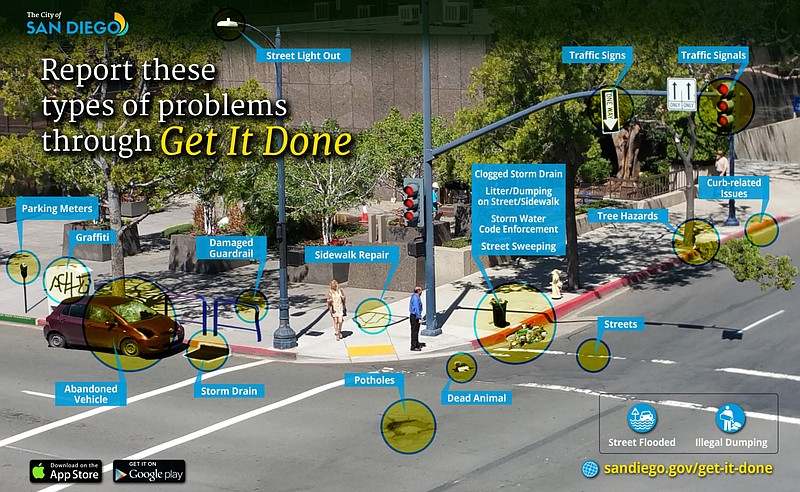
這個 App 的資料是非常熱門的公共議題。居民一直認為市府在處理回報案件時,沒有在各社區間平均分配工作量。市議會希望對大眾更透明,並要求 Sam 公開彙整後的 Get It Done 回報資料,讓所有人都能存取。
Sam 已經初始化 boto3 的 S3 用戶端,並指派給變數 s3。
在這個練習中,你要協助她提升政府透明度,將公開報表上傳到 gid-staging bucket。
本練習屬於課程
Python 中的 AWS Boto 入門
練習說明
- 將
'final_report.csv'上傳到'gid-staging'bucket。 - 將 key 設為
'2019/final_report_2019_02_20.csv'。 - 將 ACL 設為
'public-read'。
動手互動練習
試著完成這個範例程式碼,體驗一下這個練習。
# Upload the final_report.csv to gid-staging bucket
s3.upload_file(
  # Complete the filename
  Filename='./____',
  # Set the key and bucket
  Key='____',
  Bucket='____',
  # During upload, set ACL to public-read
  ____ = {
    '____': '____'})