CLIP으로 제로샷 러닝
rajuptvs/ecommerce_products_clip 데이터셋에서 제로샷 러닝으로 이미지를 분류해 보겠습니다. 이 데이터셋에는 약 2천 개의 상품 이미지와 관련 설명이 포함되어 있어요:
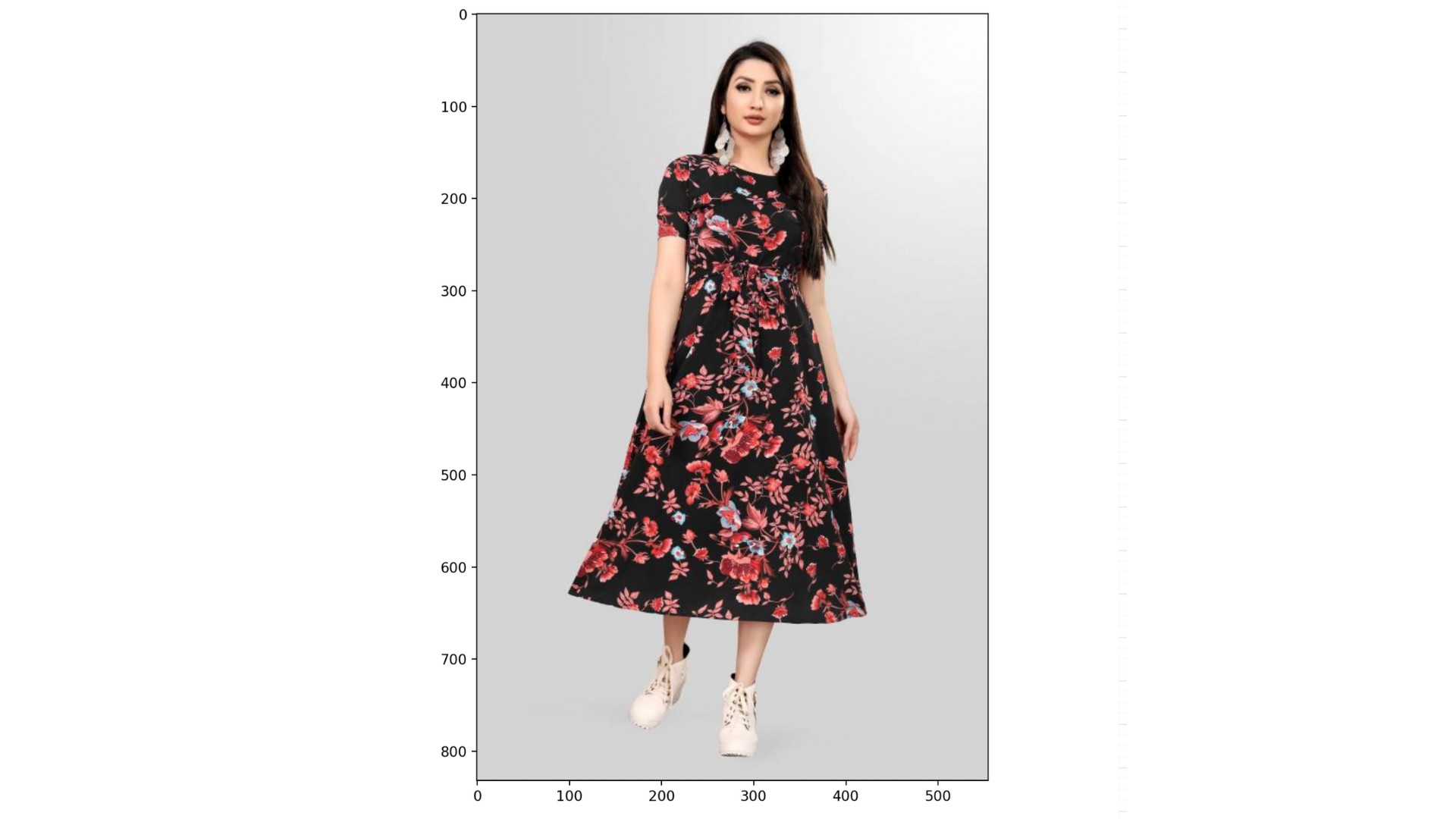
데이터셋(dataset), CLIPProcessor(processor), CLIPModel(model)이 미리 로드되어 있으며, 다음과 같은 카테고리 목록도 제공됩니다:
categories = ["shirt", "trousers", "shoes", "dress", "hat",
              "bag", "watch", "glasses", "jacket", "belt"]
이 연습은 강의의 일부입니다
Hugging Face로 배우는 멀티모달 모델
연습 안내
processor를 사용해categories와dataset의 인덱스999에 있는 이미지를 전처리하세요. 패딩을 활성화합니다.- 언패킹한
inputs를model에 전달하세요. .logits_per_image속성과.softmax()메서드를 사용해 각 카테고리의 확률을 계산하세요.probs와categories를 사용해 가장 가능성이 높은 카테고리를 찾으세요.
실습형 인터랙티브 연습
이 예제를 이 샘플 코드를 완성하여 풀어보세요.
# Preprocess the categories and image
inputs = ____(text=____, images=____, return_tensors="pt", padding=____)

# Process the unpacked inputs with the model
outputs = ____

# Calculate the probabilities of each category
probs = outputs.____.____(dim=1)

# Find the most likely category
category = categories[probs.____.item()]
print(f"Predicted category: {category}")