파이프라인으로 캡션 생성
이번 연습 문제에서는 30,000장의 이미지와 캡션이 있는 flickr 데이터셋을 다시 사용해요. 이번에는 auto 클래스 대신 파이프라인을 사용해 아래 이미지의 캡션을 생성해 보겠습니다.
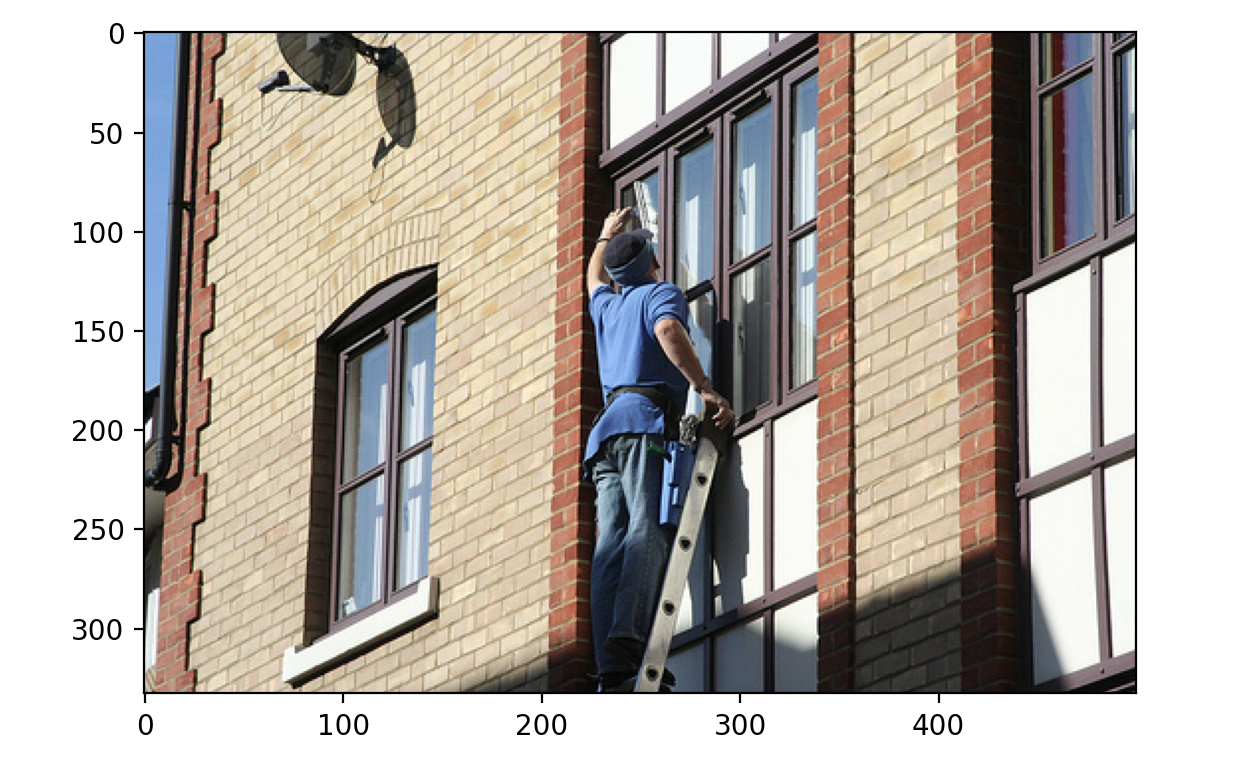
데이터셋(dataset)은 아래 구조로 로드되어 있어요:
Dataset({
    features: ['image', 'caption', 'sentids', 'split', 'img_id', 'filename'],
    num_rows: 10
})
파이프라인 모듈(pipeline)이 로드되어 있어요.
이 연습은 강의의 일부입니다
Hugging Face로 배우는 멀티모달 모델
연습 안내
Salesforce/blip-image-captioning-basepretrained 모델로image-to-text파이프라인을 로드하세요.- 파이프라인을 사용해 인덱스
3의 이미지에 대한 캡션을 생성하세요.
실습형 인터랙티브 연습
이 예제를 이 샘플 코드를 완성하여 풀어보세요.
# Load the image-to-text pipeline
pipe = pipeline(task="____", model="____")

# Use the pipeline to generate a caption with the image of datapoint 3
pred = ____(dataset[3]["____"])

print(pred)