การใช้ global thresholding
ในแบบฝึกหัดนี้ จะได้แปลงภาพถ่ายให้เป็นภาพ binary เพื่อแยก foreground ออกจาก background
โดยต้อง import โมดูลที่จำเป็น โหลดภาพ หาค่า threshold ที่เหมาะสมด้วย threshold_otsu() แล้วนำไปใช้กับภาพ
เมื่อใช้ฟังก์ชัน show_image() ที่อธิบายไว้ก่อนหน้านี้ จะเห็นภาพ binarized ที่ได้
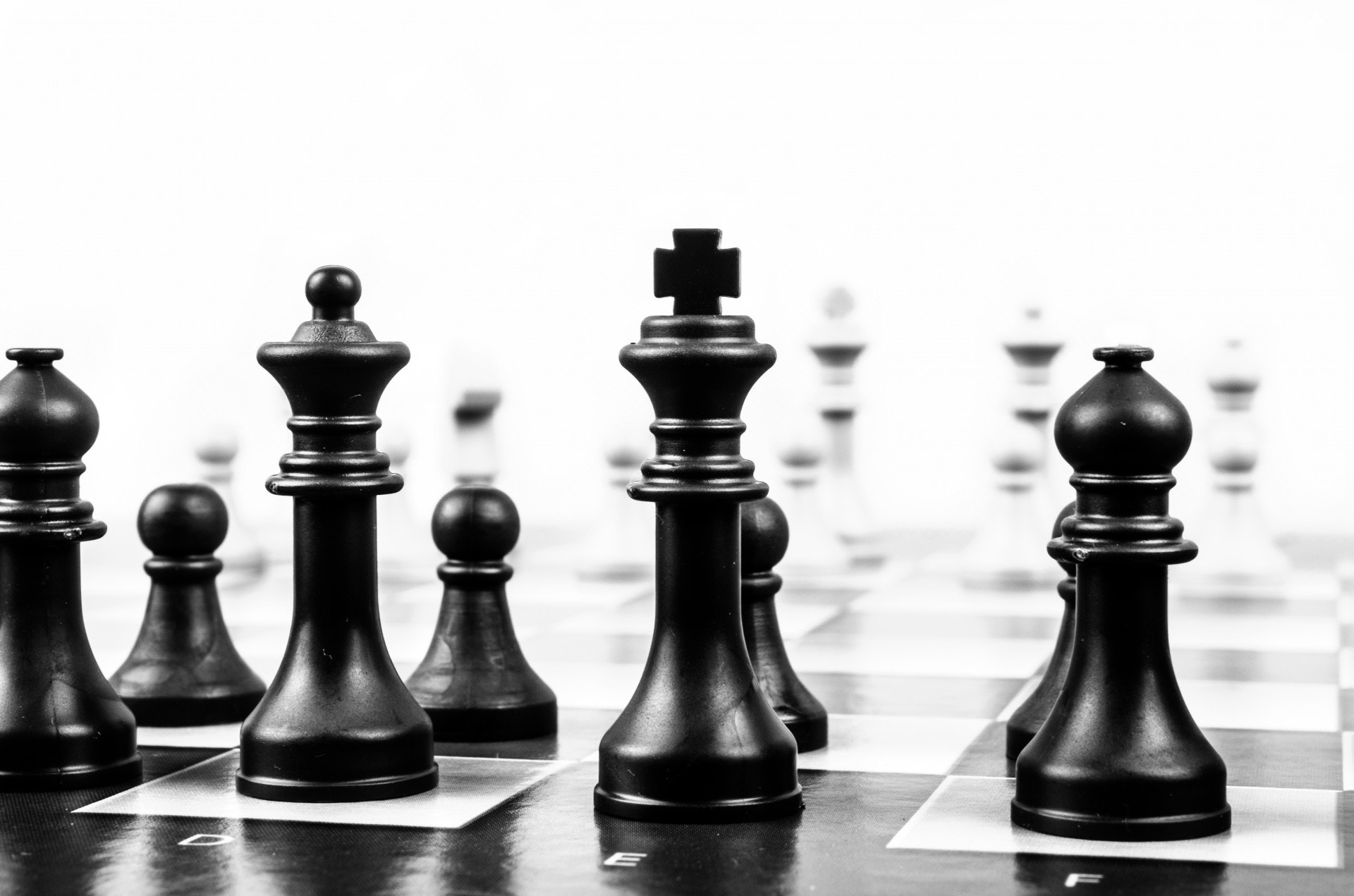
ภาพที่โหลดเป็นตัวแปร
chess_pieces_image
อย่าลืมว่าต้องแปลงภาพสีให้เป็น grayscale ก่อน ซึ่งใช้ฟังก์ชัน rgb2gray() ที่เรียนไปในวิดีโอก่อนหน้า โดยฟังก์ชันนี้ได้ถูก import ให้แล้ว
แบบฝึกหัดนี้เป็นส่วนหนึ่งของหลักสูตร
การประมวลผลภาพด้วย Python
คำแนะนำการฝึกหัด
- Import ฟังก์ชัน otsu threshold
- แปลงภาพให้เป็น grayscale
- หาค่า threshold ที่เหมาะสมที่สุดของภาพ
- ใช้ค่า threshold กับภาพ
แบบฝึกหัดเชิงโต้ตอบแบบลงมือทำ
ลองทำแบบฝึกหัดนี้โดยเติมโค้ดตัวอย่างนี้ให้สมบูรณ์
# Import the otsu threshold function
from skimage.____ import ____

# Make the image grayscale using rgb2gray
chess_pieces_image_gray = ____(____)

# Obtain the optimal threshold value with otsu
thresh = ____(____)

# Apply thresholding to the image
binary = chess_pieces_image_gray ____ ____

# Show the image
show_image(binary, 'Binary image')