เพิ่ม Noise ให้กับภาพ!
ในแบบฝึกหัดนี้ เราจะฝึกเพิ่ม noise ให้กับภาพผลไม้
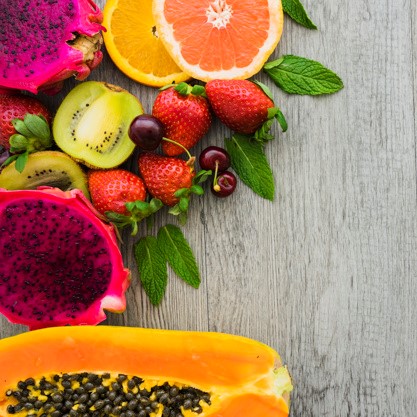
fruit_image
แบบฝึกหัดนี้เป็นส่วนหนึ่งของหลักสูตร
การประมวลผลภาพด้วย Python
คำแนะนำการฝึกหัด
- นำเข้าโมดูล
utilและฟังก์ชัน random noise - เพิ่ม noise ให้กับภาพ
- แสดงภาพต้นฉบับและภาพผลลัพธ์
แบบฝึกหัดเชิงโต้ตอบแบบลงมือทำ
ลองทำแบบฝึกหัดนี้โดยเติมโค้ดตัวอย่างนี้ให้สมบูรณ์
# Import the module and function
from skimage.____ import ____

# Add noise to the image
noisy_image = ____

# Show original and resulting image
show_image(____, 'Original')
____(____, 'Noisy image')