การแบ่งส่วนภาพและการตรวจจับใบหน้า
ก่อนหน้านี้ได้เรียนรู้วิธีเพิ่มประสิทธิภาพการประมวลผลด้วยการแบ่งส่วนภาพแบบ superpixel แบบ unsupervised แล้ว ในแบบฝึกหัดนี้จะได้ลงมือทำจริง!
ใช้ฟังก์ชัน slic() สำหรับการแบ่งส่วนภาพเพื่อประมวลผลภาพก่อนส่งต่อให้ตัวตรวจจับใบหน้า
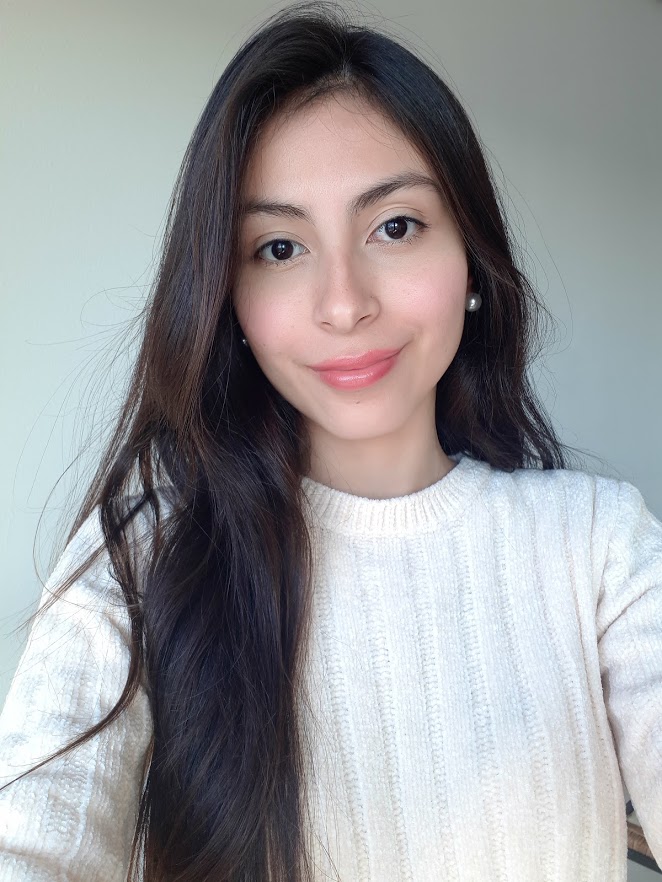
profile_imageคลาส Cascade, ฟังก์ชัน slic() จากโมดูล segmentation และฟังก์ชัน show_detected_face() สำหรับการแสดงผลถูก import ไว้แล้ว ส่วน detector ได้รับการกำหนดค่าเริ่มต้นพร้อมใช้งานในชื่อ detector
แบบฝึกหัดนี้เป็นส่วนหนึ่งของหลักสูตร
การประมวลผลภาพด้วย Python
คำแนะนำการฝึกหัด
- แบ่งส่วนภาพด้วย superpixel และรับค่า segments หรือที่เรียกว่า labels โดยใช้
slic() - รับภาพที่แบ่งส่วนแล้วโดยใช้
label2rgb()พร้อมส่งsegmentsและprofile_imageเป็นพารามิเตอร์ - ตรวจจับใบหน้าโดยใช้ detector ด้วยเมธอด multi scale
แบบฝึกหัดเชิงโต้ตอบแบบลงมือทำ
ลองทำแบบฝึกหัดนี้โดยเติมโค้ดตัวอย่างนี้ให้สมบูรณ์
# Obtain the segmentation with default 100 regions
segments = ____

# Obtain segmented image using label2rgb
segmented_image = ____(____, ____, kind='avg')

# Detect the faces with multi scale method
detected = detector.____(img=____,
                                       scale_factor=1.2,
                                       step_ratio=1,
                                       min_size=(10, 10), max_size=(1000, 1000))

# Show the detected faces
show_detected_face(segmented_image, detected)