Ayo tambahkan noise!
Pada latihan ini, kita akan berlatih menambahkan noise ke sebuah citra buah.
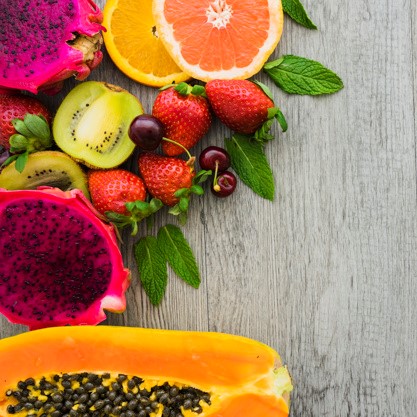
fruit_image.
Latihan ini merupakan bagian dari kursus
Pemrosesan Citra dengan Python
Instruksi latihan
- Impor modul
utildan fungsi random noise. - Tambahkan noise ke citra.
- Tampilkan citra asli dan citra hasilnya.
Latihan interaktif langsung praktik
Cobalah latihan ini dengan melengkapi kode contoh ini.
# Import the module and function
from skimage.____ import ____

# Add noise to the image
noisy_image = ____

# Show original and resulting image
show_image(____, 'Original')
____(____, 'Noisy image')