Perlindungan privasi
Mari kita lihat penerapan nyata dari apa yang telah Anda pelajari dalam kursus ini.
Pada latihan ini, Anda akan mendeteksi wajah manusia pada gambar dan, demi privasi, Anda akan menganonimkan data dengan mengaburkan wajah orang secara otomatis.
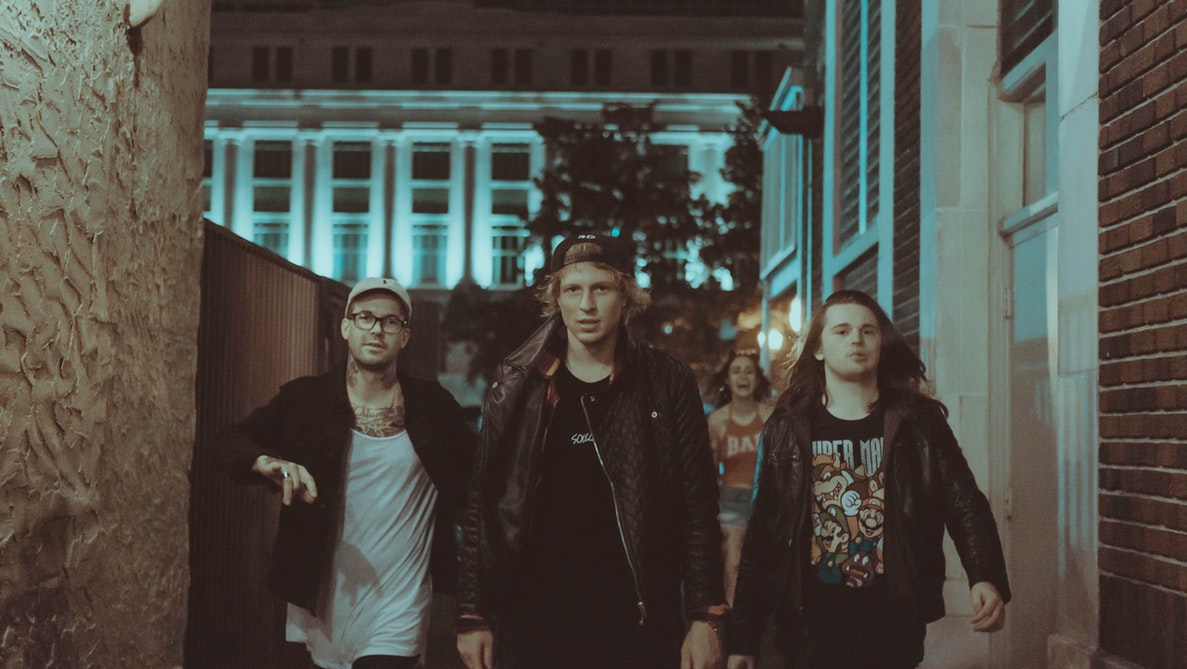
group_image.Anda dapat menggunakan filter Gaussian untuk membuat efek blur.
Pendeteksi wajah siap digunakan sebagai detector dan semua paket yang diperlukan telah diimpor.
Latihan ini merupakan bagian dari kursus
Pemrosesan Citra dengan Python
Instruksi latihan
- Deteksi wajah pada gambar menggunakan
detector, atur ukuran minimum jendela pencarian menjadi 10 x 10 piksel. - Telusuri setiap wajah yang terdeteksi dengan sebuah perulangan for.
- Terapkan filter Gaussian untuk mendeteksi dan mengaburkan wajah dengan sigma sebesar 8.
Latihan interaktif langsung praktik
Cobalah latihan ini dengan melengkapi kode contoh ini.
# Detect the faces
detected = ____.____(img=____,
                                       scale_factor=1.2, step_ratio=1,
                                       min_size=____, max_size=(100, 100))
# For each detected face
for d in ____:
    # Obtain the face rectangle from detected coordinates
    face = getFaceRectangle(d)

    # Apply gaussian filter to extracted face
    blurred_face = ____(face, multichannel=____, sigma = ____)

    # Merge this blurry face to our final image and show it
    resulting_image = mergeBlurryFace(group_image, blurred_face)
show_image(resulting_image, "Blurred faces")