Mengubah ukuran secara proporsional
Kita ingin menurunkan skala (downscale) gambar-gambar di situs blog dokter hewan agar semuanya memiliki ukuran terkompresi yang sama.
Penting untuk melakukannya secara proporsional agar gambar tidak terdistorsi.
Pertama, Anda akan mencobanya pada satu gambar agar mengetahui kode yang akan diuji nanti pada gambar-gambar lainnya.
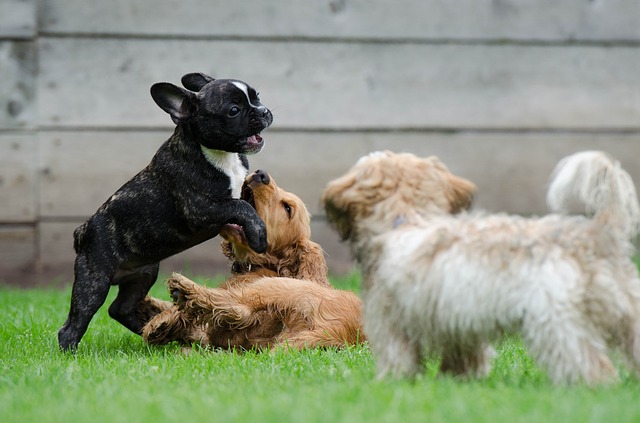
Gambar sudah dimuat sebagai
dogs_banner.
Ingat bahwa dengan melihat shape dari sebuah gambar, Anda dapat mengetahui lebarnya dan tingginya.
Latihan ini merupakan bagian dari kursus
Pemrosesan Citra dengan Python
Instruksi latihan
- Impor modul dan fungsi untuk mengubah ukuran.
- Tetapkan tinggi dan lebar proporsional sehingga menjadi setengah dari tinggi gambar.
- Ubah ukuran menggunakan tinggi dan lebar proporsional yang telah dihitung.
Latihan interaktif langsung praktik
Cobalah latihan ini dengan melengkapi kode contoh ini.
# Import the module and function
from skimage.___ import ____

# Set proportional height so its half its size
height = int(____ / 2)
width = int(____ / 2)

# Resize using the calculated proportional height and width
image_resized = ____(dogs_banner, (____, ____),
                       anti_aliasing=True)

# Show the original and resized image
show_image(dogs_banner, 'Original')
show_image(image_resized, 'Resized image')