Insérer un nœud dans un arbre binaire de recherche
Dans la vidéo, vous avez découvert ce que sont les arbres binaires de recherche (ABR) et comment implémenter leurs opérations principales.
Dans cet exercice, vous allez implémenter une fonction pour insérer un nœud dans un ABR.
Pour tester votre code, vous pouvez utiliser l'arbre suivant :
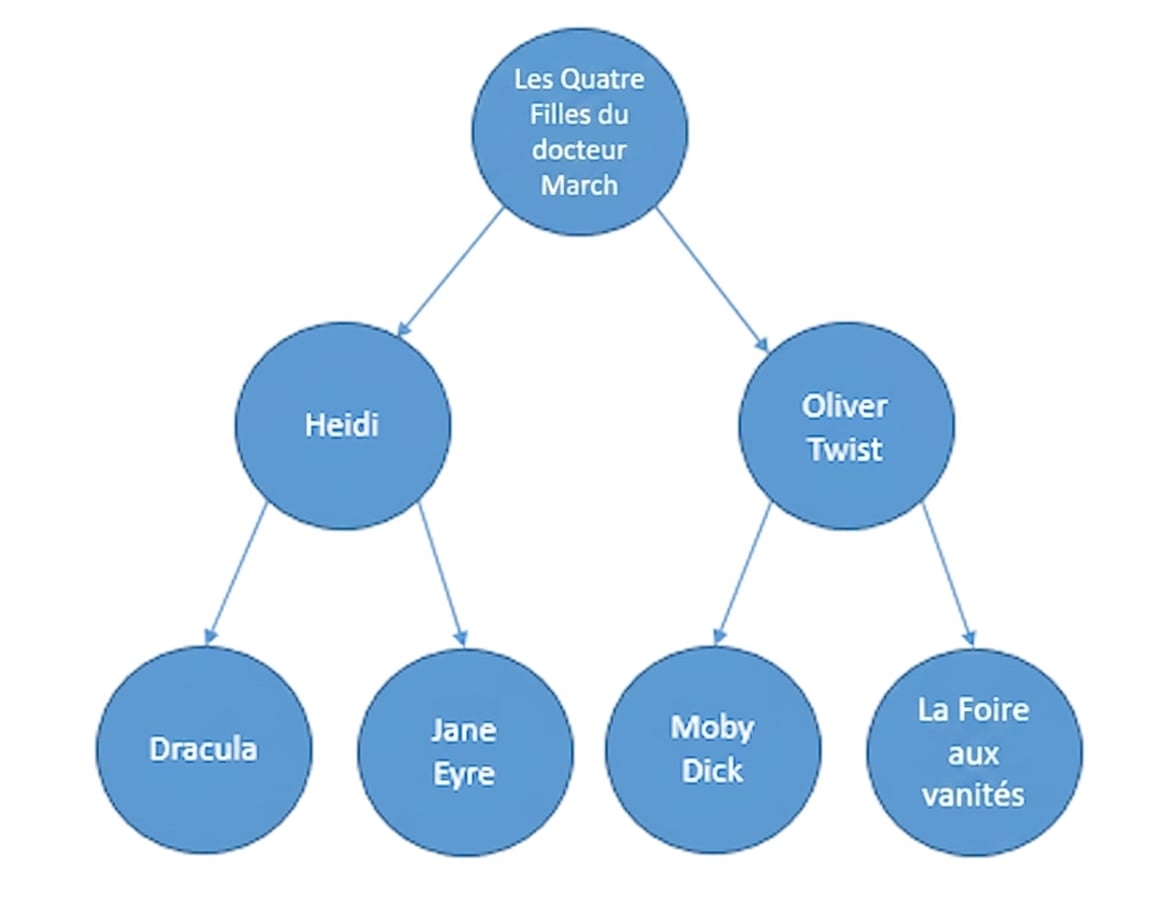
Les nœuds contiennent des titres de livres, constituant un ABR basé sur l'ordre alphabétique.
Cet arbre a été préchargé dans la variable bst :
bst = CreateTree()
Vous pouvez vérifier que le nœud est correctement inséré avec ce code :
bst.insert("Pride and Prejudice")
print(search(bst, "Pride and Prejudice"))
Cet exercice fait partie du cours
<cours>Structures de données et algorithmes en Python</cours>Instructions de l’exercice
- Vérifiez si l'ABR est vide.
- Vérifiez si la donnée à insérer est inférieure à la donnée du nœud courant.
- Vérifiez si la donnée à insérer est supérieure à la donnée du nœud courant.
Exercice interactif pratique
Essayez cet exercice en complétant ce code d’exemple.
class BinarySearchTree:
  def __init__(self):
    self.root = None

  def insert(self, data):
    new_node = TreeNode(data)
    # Check if the BST is empty
    if ____ == None:
      self.root = new_node
      return
    else:
      current_node = self.root
      while True:
        # Check if the data to insert is smaller than the current node's data
        if ____ < ____:
          if current_node.left_child == None:
            current_node.left_child = new_node
            return
          else:
            current_node = current_node.left_child
        # Check if the data to insert is greater than the current node's data
        elif ____ > ____:
          if current_node.right_child == None:
            current_node.right_child = new_node
            return
          else:
            current_node = current_node.right_child

bst = CreateTree()
bst.insert("Pride and Prejudice")
print(search(bst, "Pride and Prejudice"))