物体検出
この演習では、前と同じ flickr データセット(3万枚の画像とキャプション付き)を使います。今回は、モデルが検出した物体のバウンディングボックスを見つけます。
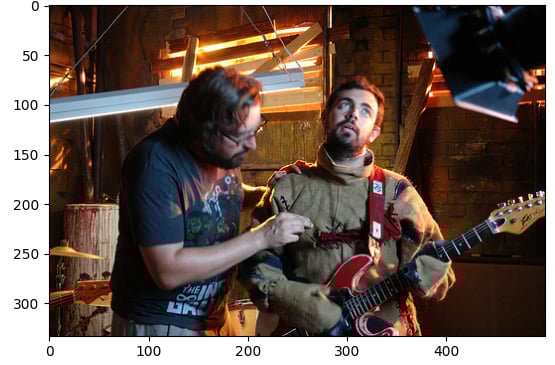
サンプル画像(image)とパイプラインモジュール(pipeline)は読み込まれています。
この演習はコースの一部です
Hugging Face で学ぶマルチモーダルモデル
演習の手順
facebook/detr-resnet-50の事前学習モデルでobject-detectionパイプラインを読み込みます。- 検出された物体の
labelを取得します。 - 検出結果に対応する信頼度
scoreを取得します。 - 検出された物体のバウンディング
boxの座標を取得します。
実践的なインタラクティブ演習
このサンプルコードを完成させて、この演習に挑戦してみましょう。
# Load the object-detection pipeline
pipe = pipeline("____", "____", revision="no_timm")
pred = pipe(image)
outputs = pipe(image)

for n, obj in enumerate(outputs):
    # Find the detected label
    label = ____
    # Find the confidence score of the prediction
    confidence = ____
    # Obtain the bounding box coordinates
    box = ____

    plot_args = {"linewidth": 1, "edgecolor": colors[n], "facecolor": 'none'}
    rect = patches.Rectangle((box['xmin'], box['ymin']), box['xmax']-box['xmin'], box['ymax']-box['ymin'], **plot_args)
    ax.add_patch(rect)
    print(f"Detected {label} with confidence {confidence:.2f} at ({box['xmin']}, {box['ymin']}) to ({box['xmax']}, {box['ymax']})")

plt.show()