CLIP でのゼロショット学習
rajuptvs/ecommerce_products_clip データセットから、ゼロショット学習を使って画像を分類します。このデータセットには、商品画像が約2,000枚と、それぞれに対応する説明が含まれています。
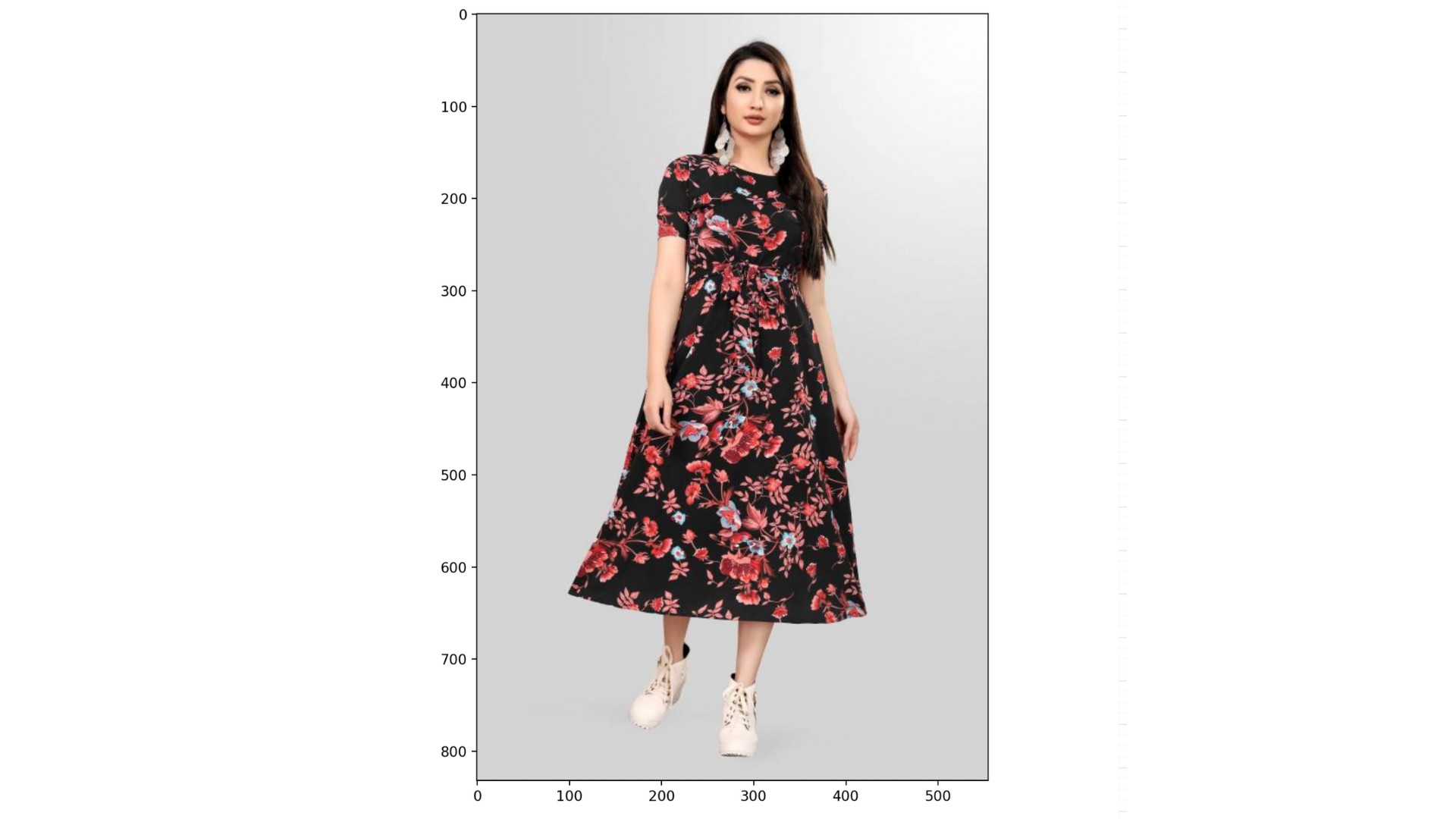
データセット(dataset)、CLIPProcessor(processor)、CLIPModel(model)は読み込まれており、次のカテゴリのリストも用意されています。
categories = ["shirt", "trousers", "shoes", "dress", "hat",
              "bag", "watch", "glasses", "jacket", "belt"]
この演習はコースの一部です
Hugging Face で学ぶマルチモーダルモデル
演習の手順
processorを使って、datasetのインデックス999の画像とcategoriesを前処理します。パディングを有効にしてください。- アンパックした
inputsをmodelに渡します。 .logits_per_image属性と.softmax()メソッドを使って、各カテゴリの確率を計算します。probsとcategoriesを使って、最も確からしいカテゴリを見つけてください。
実践的なインタラクティブ演習
このサンプルコードを完成させて、この演習に挑戦してみましょう。
# Preprocess the categories and image
inputs = ____(text=____, images=____, return_tensors="pt", padding=____)

# Process the unpacked inputs with the model
outputs = ____

# Calculate the probabilities of each category
probs = outputs.____.____(dim=1)

# Find the most likely category
category = categories[probs.____.item()]
print(f"Predicted category: {category}")