建立 Pinecone 用戶端
在整門課中,你會撰寫 Python 程式碼,透過 Pinecone 的 Python 用戶端與 Pinecone 互動。第一步,你需要建立自己的 Pinecone API 金鑰。本課程練習中使用的 Pinecone API 金鑰不會以任何方式被儲存。
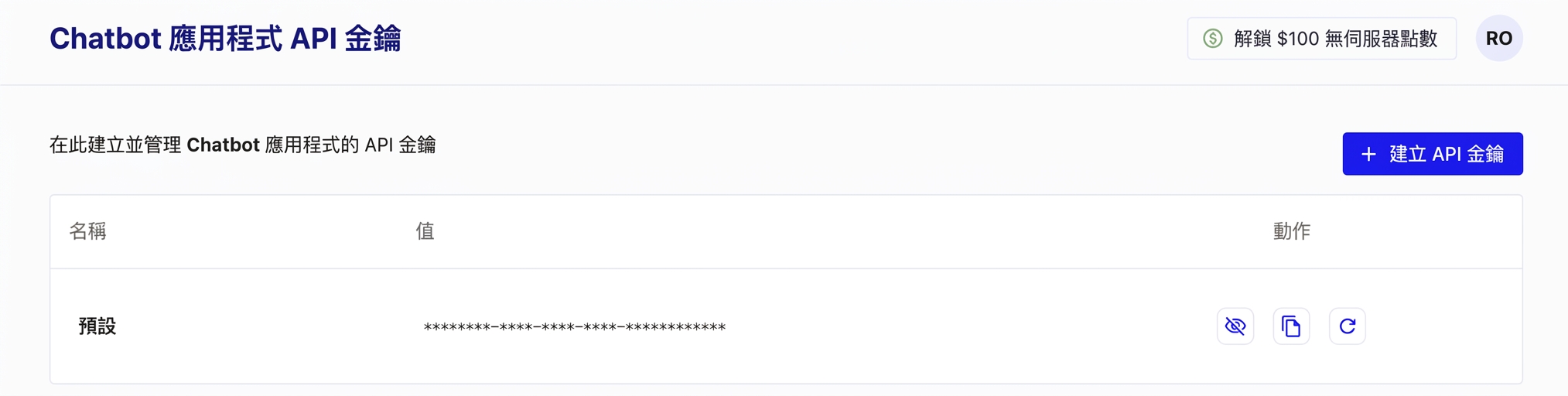
若要建立金鑰,你需要先前往 https://www.pinecone.io/ 註冊一個免費的 Pinecone 入門帳號。接著,前往 API Keys 頁面來建立你的金鑰。
本練習屬於課程
使用 Pinecone 構建 AI 應用
練習說明
- 從
pinecone匯入用來建立 Pinecone 用戶端的類別。 - 具現化 Pinecone 類別,並傳入你的 API 金鑰。
動手互動練習
試著完成這個範例程式碼,體驗一下這個練習。
# Import the Pinecone library
from ____ import ____

# Initialize the Pinecone client
pc = ____