Bir Pinecone istemcisi oluşturma
Bu kurs boyunca, Pinecone ile Pinecone Python istemcisi üzerinden etkileşim kurmak için Python kodu yazacaksın. İlk adım olarak, kendi Pinecone API anahtarını oluşturman gerekecek. Bu kurstaki egzersizlerde kullanılan Pinecone API anahtarları hiçbir şekilde depolanmayacaktır.
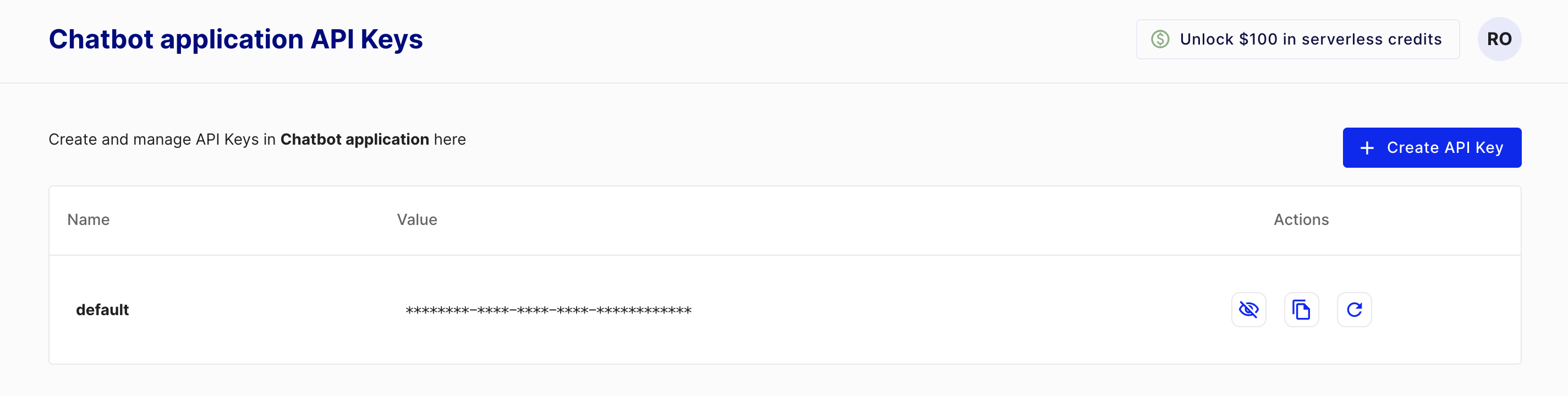
Bir anahtar oluşturmak için önce ücretsiz olan bir Pinecone başlangıç hesabı açmalısın: https://www.pinecone.io/. Ardından, API Keys sayfasına giderek anahtarını oluştur.
Bu egzersiz, kursun bir parçasıdır
Pinecone ile Vektör Veritabanları ve Embeddings
Egzersiz talimatları
pineconeiçinden bir Pinecone istemcisi oluşturmak için kullanılan sınıfı içe aktar.- Pinecone sınıfını, API anahtarını argüman olarak vererek başlat.
Uygulamalı etkileşimli egzersiz
Bu egzersizi bu örnek kodu tamamlayarak deneyin.
# Import the Pinecone library
from ____ import ____

# Initialize the Pinecone client
pc = ____