Pas globale drempeling toe
In deze oefening zet je een foto om naar een binaire afbeelding, zodat je de voorgrond kunt scheiden van de achtergrond.
Hiervoor moet je de benodigde modules importeren, de afbeelding laden, de optimale drempelwaarde bepalen met threshold_otsu() en die vervolgens toepassen op de afbeelding.
Je ziet de resulterende gebinariseerde afbeelding met de eerder besproken functie show_image().
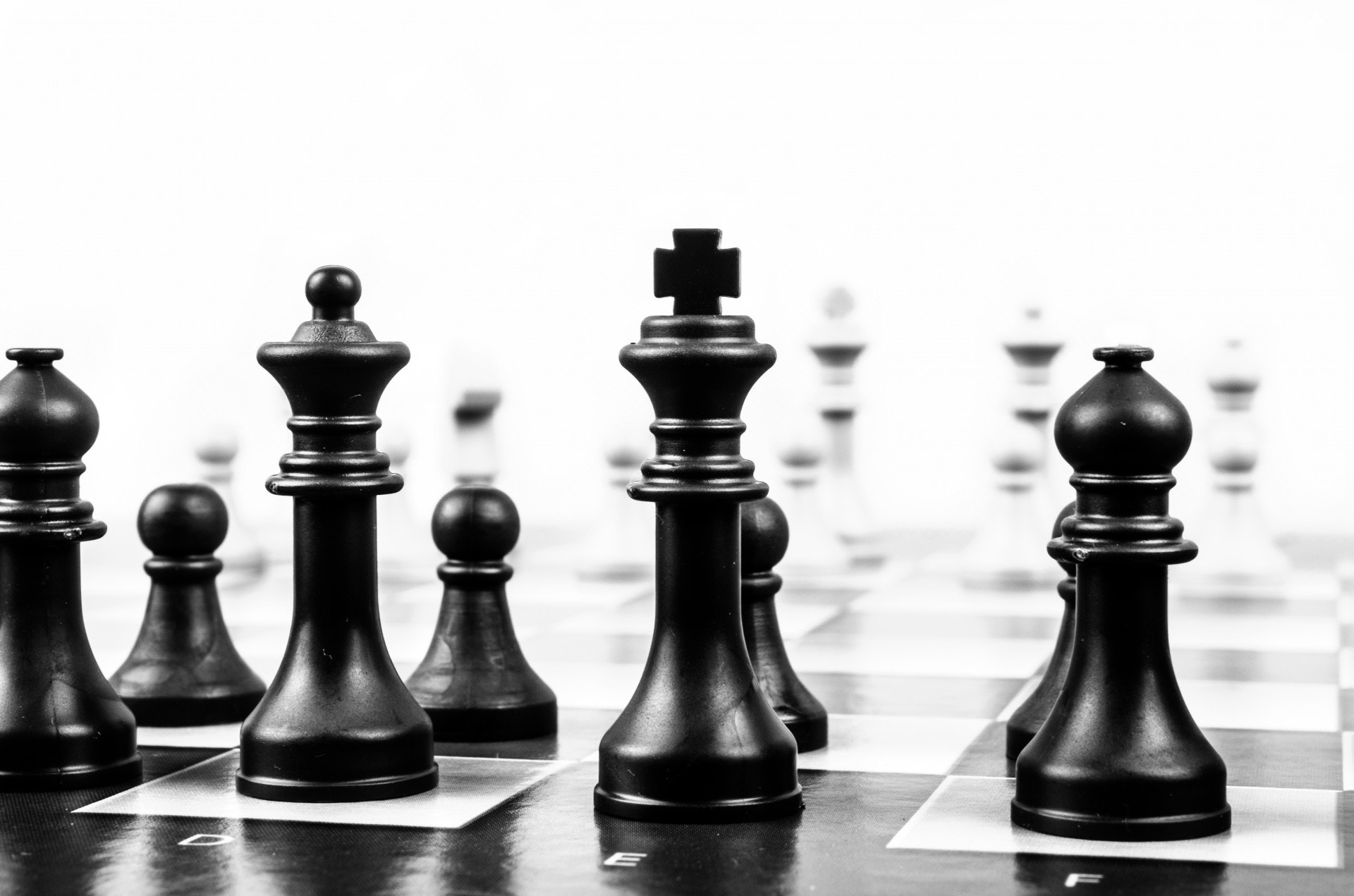
Afbeelding geladen als
chess_pieces_image.
Denk eraan dat we gekleurde afbeeldingen eerst naar grijswaarden moeten omzetten. Daarvoor gebruiken we de functie rgb2gray() uit de vorige video. Deze is al voor je geïmporteerd.
Deze oefening maakt deel uit van de cursus
Beeldverwerking in Python
Oefeninstructies
- Importeer de Otsu-drempelfunctie.
- Zet de afbeelding om naar grijswaarden.
- Bepaal de optimale drempelwaarde van de afbeelding.
- Pas drempeling toe op de afbeelding.
Interactieve oefening met praktijkervaring
Probeer deze oefening door deze voorbeeldcode aan te vullen.
# Import the otsu threshold function
from skimage.____ import ____

# Make the image grayscale using rgb2gray
chess_pieces_image_gray = ____(____)

# Obtain the optimal threshold value with otsu
thresh = ____(____)

# Apply thresholding to the image
binary = chess_pieces_image_gray ____ ____

# Show the image
show_image(binary, 'Binary image')