Laten we wat ruis toevoegen!
In deze oefening ga je ruis toevoegen aan een afbeelding van fruit.
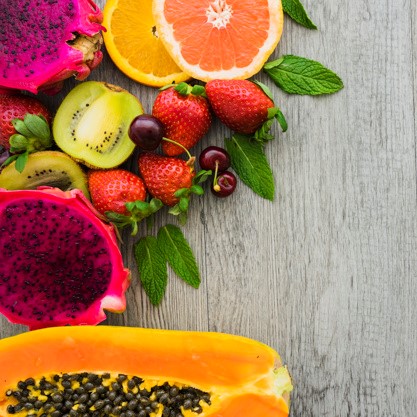
fruit_image.
Deze oefening maakt deel uit van de cursus
Beeldverwerking in Python
Oefeninstructies
- Importeer de module
utilen de functie voor willekeurige ruis. - Voeg ruis toe aan de afbeelding.
- Toon de originele en de resulterende afbeelding.
Interactieve oefening met praktijkervaring
Probeer deze oefening door deze voorbeeldcode aan te vullen.
# Import the module and function
from skimage.____ import ____

# Add noise to the image
noisy_image = ____

# Show original and resulting image
show_image(____, 'Original')
____(____, 'Noisy image')