개인정보 보호
이 강의에서 배운 내용을 실제 사례에 적용해 보겠습니다.
이 연습 문제에서는 이미지에서 사람 얼굴을 감지한 뒤, 개인정보 보호를 위해 사람의 얼굴을 자동으로 흐리게 처리하여 익명화합니다.
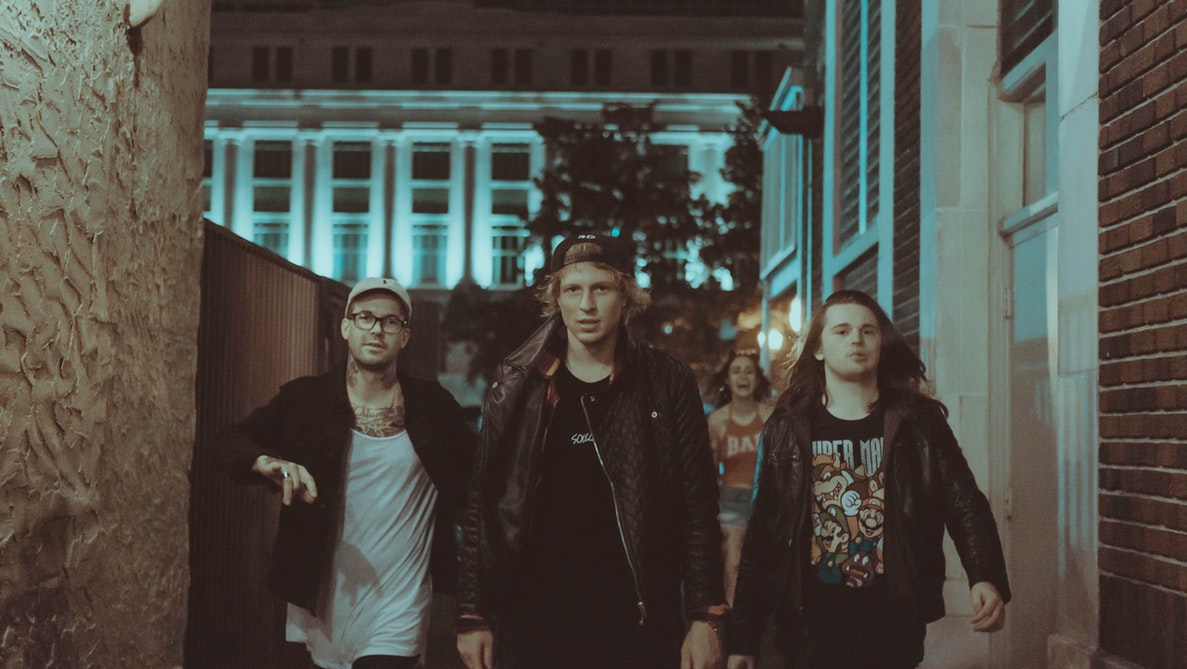
group_image로 미리 로드되어 있습니다.흐리게 처리에는 gaussian 필터를 사용할 수 있어요.
얼굴 감지기는 detector로 준비되어 있으며 필요한 패키지는 모두 임포트되어 있습니다.
이 연습은 강의의 일부입니다
Python으로 배우는 이미지 처리
연습 안내
detector를 사용해 이미지에서 얼굴을 감지하고, 탐색 창의 최소 크기를 10×10 픽셀로 설정하세요.- for 루프로 감지된 각 얼굴을 순회하세요.
- sigma를 8로 하여 gaussian 필터를 적용해 얼굴을 감지하고 흐리게 처리하세요.
실습형 인터랙티브 연습
이 예제를 이 샘플 코드를 완성하여 풀어보세요.
# Detect the faces
detected = ____.____(img=____,
                                       scale_factor=1.2, step_ratio=1,
                                       min_size=____, max_size=(100, 100))
# For each detected face
for d in ____:
    # Obtain the face rectangle from detected coordinates
    face = getFaceRectangle(d)

    # Apply gaussian filter to extracted face
    blurred_face = ____(face, multichannel=____, sigma = ____)

    # Merge this blurry face to our final image and show it
    resulting_image = mergeBlurryFace(group_image, blurred_face)
show_image(resulting_image, "Blurred faces")