Creare maschere binarie
Le immagini per i compiti di segmentazione sono di solito annotate con maschere a livello di pixel. Considera questa immagine di un gatto Egyptian Mau.
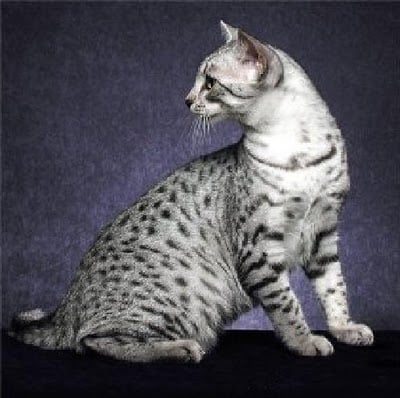
In questo e nel prossimo esercizio userai la maschera corrispondente per segmentare il gatto dall'immagine. Per prima cosa, dovrai caricare la maschera e binarizzarla.
Image da PIL, transforms da torchvision e torch sono già stati importati per te.
Questo esercizio fa parte del corso
Deep Learning per Immagini con PyTorch
Istruzioni dell'esercizio
- Carica l'immagine della maschera salvata in
annotations/Egyptian_Mau_123.pnge assegnala amask. - Crea una
binary_maskdamask_tensorin cui a ogni pixel uguale a1/255venga assegnato un valore tensore di1.0, e ai pixel rimanenti un valore tensore di0.0.
esercizio interattivo pratico
Prova questo esercizio completando questo codice di esempio.
# Load mask image
mask = ____

# Transform mask to tensor
transform = transforms.Compose([transforms.ToTensor()])
mask_tensor = transform(mask)

# Create binary mask
binary_mask = ____(
    ____,
    ____,
    ____,
)

# Print unique mask values
print(binary_mask.unique())