查找最受欢迎的文本到图像模型
现在来精 refin e 您的搜索:在 Hugging Face Hub 上找到并加载出自 CompVis 的、最受欢迎的文本到图像 Stable Diffusion 模型。
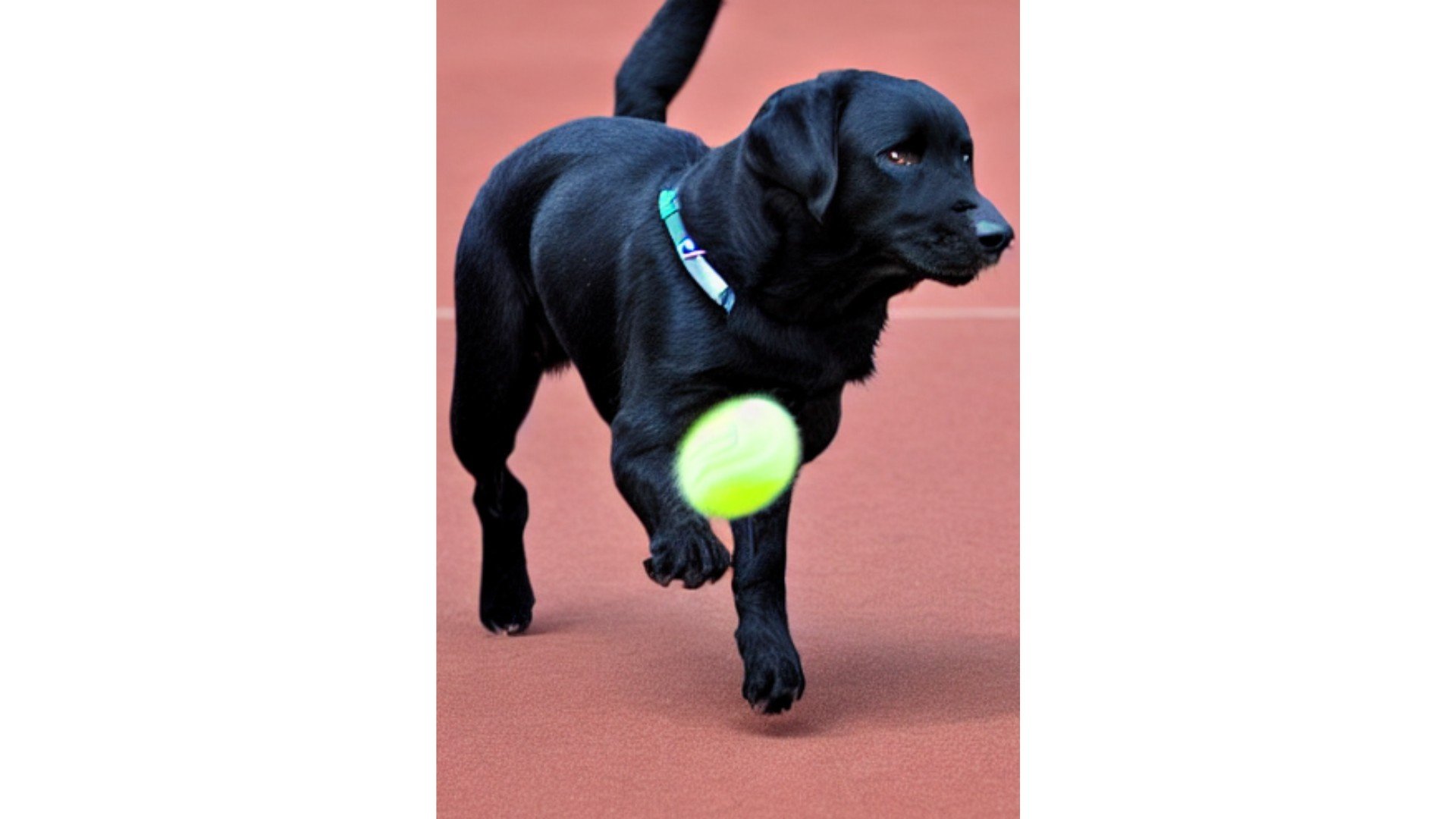
Hugging Face Hub API(api)和 diffusers 库中的 StableDiffusionPipeline 模块已加载。使用 Stable Diffusion 模型,您可以根据任意提示词生成图像,例如:"a black labrador chasing a tennis ball"。
本练习是课程的一部分
使用 Hugging Face 的多模态模型
练习说明
- 仅使用用于
text-to-image任务的模型。 - 使用合适的标签,确保模型可由
diffusers库中的StableDiffusionPipeline类加载。 - 按
"likes"的数量对结果进行排序。 - 使用模型 ID,从
models中加载最受欢迎的模型。
交互式实操练习
通过完成这段示例代码来试试这个练习。
models = api.list_models(
    # Filter for text-to-image tasks
    task="____",
    author="CompVis",
    # Filter for models that can be loaded by the diffusers library
    tags="diffusers:____",
    # Sort according to the most popular
    sort="____"
)

models = list(models)

# Load the most popular model from models
pipe = StableDiffusionPipeline.from_pretrained(models[0].____)