Membuat klien Pinecone
Sepanjang kursus, Anda akan menulis kode Python untuk berinteraksi dengan Pinecone melalui klien Python Pinecone. Sebagai langkah awal, Anda perlu membuat API key Pinecone Anda sendiri. API key Pinecone yang digunakan dalam latihan kursus ini tidak akan disimpan dengan cara apa pun.
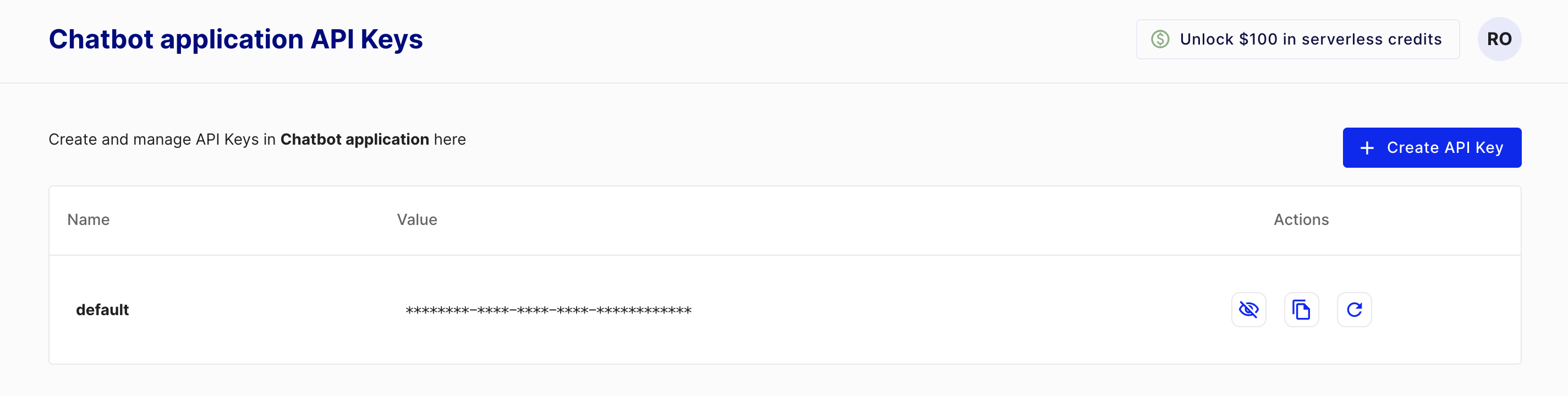
Untuk membuat key, terlebih dahulu Anda perlu membuat akun awal Pinecone (starter) yang gratis dengan mengunjungi https://www.pinecone.io/. Selanjutnya, buka halaman API Keys untuk membuat key Anda.
Latihan ini merupakan bagian dari kursus
Database Vektor untuk Embeddings dengan Pinecone
Instruksi latihan
- Impor kelas yang digunakan untuk membuat klien Pinecone dari
pinecone. - Buat instance kelas Pinecone dengan menyertakan API key Anda.
Latihan interaktif langsung praktik
Cobalah latihan ini dengan melengkapi kode contoh ini.
# Import the Pinecone library
from ____ import ____

# Initialize the Pinecone client
pc = ____