เตรียม input image
โมเดล ResNet50 ต้นฉบับถูกเทรนด้วยภาพขนาด 224 x 224 พิกเซล และผ่านขั้นตอน preprocessing หลายอย่าง เช่น การลบค่าเฉลี่ยพิกเซลของชุดข้อมูลเทรนออกจากภาพทุกภาพ ดังนั้นจึงต้องเตรียมภาพที่จะใช้ทำนายด้วยวิธีเดียวกัน
เมื่อทำนายจากภาพเพียงภาพเดียว จำเป็นต้องให้ภาพนั้นมีรูปร่างตรงกับ input shape ของโมเดล ซึ่งในกรณีนี้มีรูปแบบดังนี้:
(batch-size, width, height, channels) โดย np.expand_dims ที่กำหนด axis = 0 จะเพิ่ม dimension ของ batch-size เพื่อบอกว่าจะส่งภาพเพียงภาพเดียวเข้าไปทำนาย ค่า batch-size จึงเป็น 1
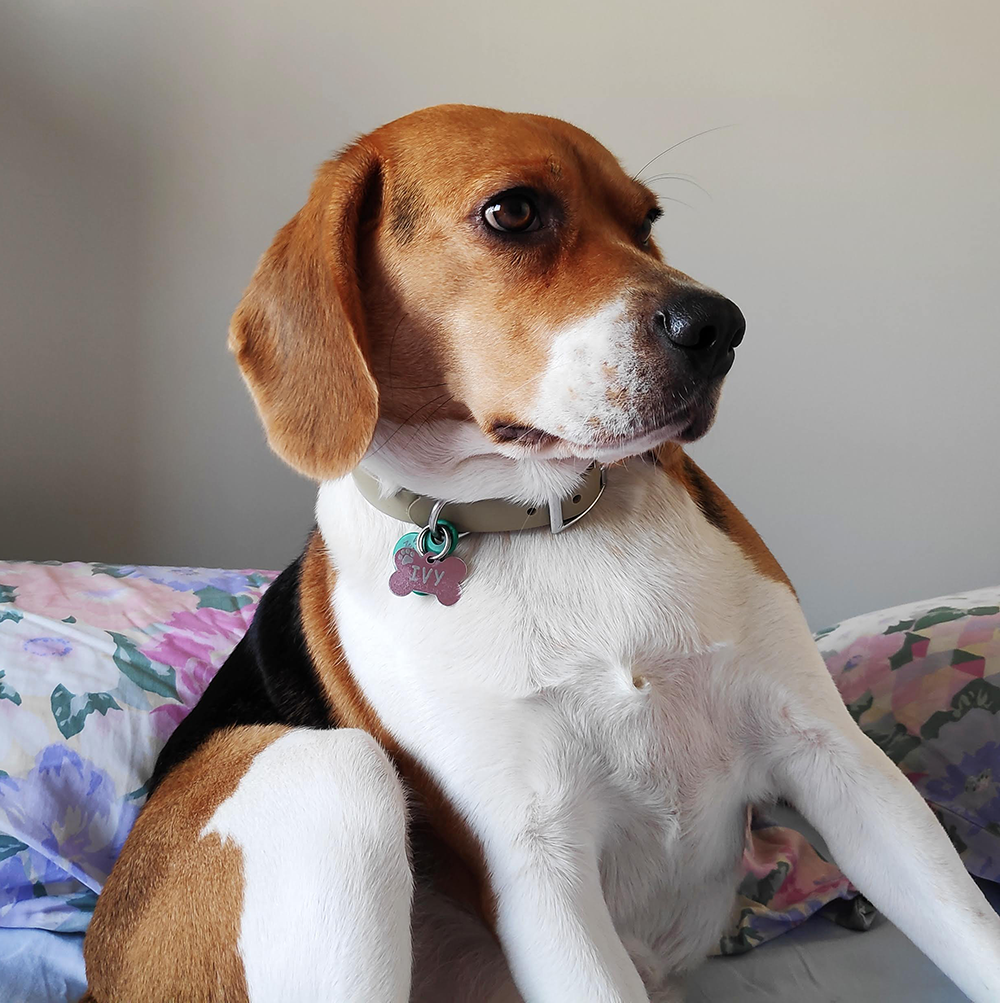
ในแบบฝึกหัดนี้ จะได้ทำขั้นตอน preprocessing เหล่านี้เพื่อเตรียมภาพสุนัขชื่อ Ivy ให้พร้อมสำหรับการจำแนกประเภทด้วย ResNet50
แบบฝึกหัดนี้เป็นส่วนหนึ่งของหลักสูตร
Deep Learning เบื้องต้นด้วย Keras
คำแนะนำการฝึกหัด
- Import
imageจากtensorflow.keras.preprocessingและpreprocess_inputจากtensorflow.keras.applications.resnet50 - โหลดภาพโดยกำหนด
target_sizeให้ตรงกับโมเดล - แปลงเป็น array ด้วย
image.img_to_array() - ประมวลผล
img_expandedล่วงหน้าด้วยpreprocess_input()ในแบบเดียวกับที่ใช้กับภาพเทรนของ ResNet50 ต้นฉบับ
แบบฝึกหัดเชิงโต้ตอบแบบลงมือทำ
ลองทำแบบฝึกหัดนี้โดยเติมโค้ดตัวอย่างนี้ให้สมบูรณ์
# Import image and preprocess_input
from tensorflow.keras.____ import ____
from tensorflow.keras.____.____ import ____

# Load the image with the right target size for your model
img = image.load_img(img_path, target_size=(____, ____))

# Turn it into an array
img_array = image.____(____)

# Expand the dimensions of the image, this is so that it fits the expected model input format
img_expanded = np.expand_dims(img_array, axis = 0)

# Pre-process the img in the same way original images were
img_ready = ____(____)