Een Pinecone-client maken
In deze cursus schrijf je Python-code om met Pinecone te werken via de Pinecone Python-client. Als eerste stap heb je je eigen Pinecone API-sleutel nodig. Pinecone API-sleutels die in de oefeningen van deze cursus worden gebruikt, worden op geen enkele manier opgeslagen.
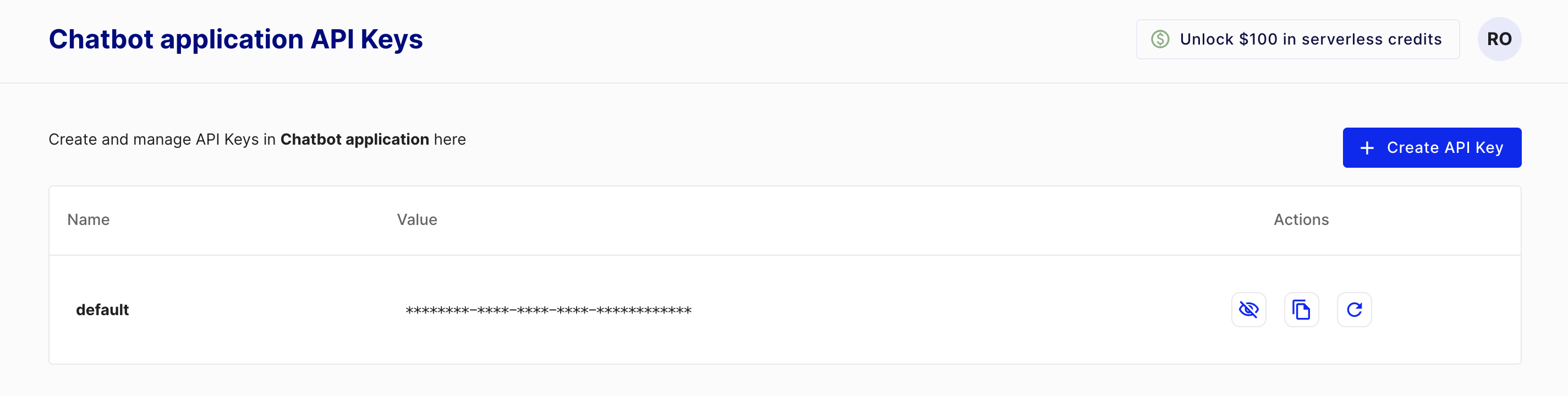
Om een sleutel te maken, maak je eerst een gratis Pinecone starter-account aan via https://www.pinecone.io/. Ga daarna naar de pagina API Keys om je sleutel te maken.
Deze oefening maakt deel uit van de cursus
Vector-databases voor embeddings met Pinecone
Oefeninstructies
- Importeer de klasse uit
pineconewaarmee je een Pinecone-client maakt. - Instantieer de Pinecone-klasse en geef je API-sleutel door.
Interactieve oefening met praktijkervaring
Probeer deze oefening door deze voorbeeldcode aan te vullen.
# Import the Pinecone library
from ____ import ____

# Initialize the Pinecone client
pc = ____