Creare un client Pinecone
Durante il corso, scriverai codice Python per interagire con Pinecone tramite il client Python di Pinecone. Come primo passo, dovrai creare la tua Pinecone API key. Le Pinecone API key usate negli esercizi di questo corso non verranno memorizzate in alcun modo.
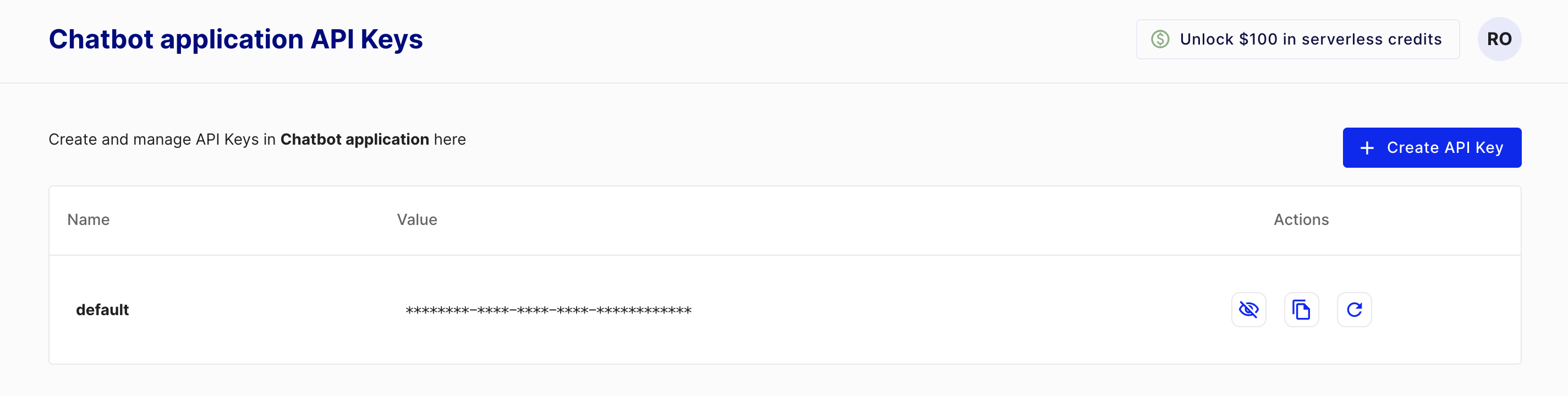
Per creare una chiave, devi prima creare un account starter su Pinecone, gratuito, visitando https://www.pinecone.io/. Poi vai alla pagina API Keys per creare la tua chiave.
Questo esercizio fa parte del corso
Database vettoriali per Embeddings con Pinecone
Istruzioni dell'esercizio
- Importa la classe usata per creare un client Pinecone da
pinecone. - Istanzia la classe Pinecone, passando la tua API key.
esercizio interattivo pratico
Prova questo esercizio completando questo codice di esempio.
# Import the Pinecone library
from ____ import ____

# Initialize the Pinecone client
pc = ____