Create your first Firehose stream
Now that all the pieces are in place, you're ready to create your first Firehose delivery stream. This will set you up for being able to send data to the stream, and the stream will put it into the S3 bucket.
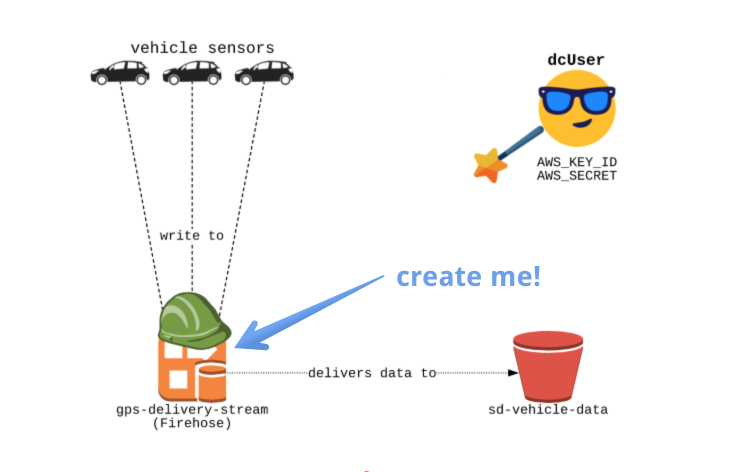
Setup
Notice a file _setup.py; In this file, we will create the boto3 clients for firehose and s3.
You don't need to edit this file for exercises, but you're more than welcome to read it!
File to edit
You will be editing the create_firehose.py file in the editor.
Destination S3 Bucket
You will create an "sd-vehicle-data" S3 bucket to be used as the destination for our stream.
Role
The role we have created is "fireHoseDeliveryRole" with an ARN of: "arn:aws:iam::0000000:role/firehoseDeliveryRole".
This role will allow our new Firehose stream to write to the "sd-vehicle-data" bucket.
Slides
Don't forget - you can always click on the slides icon in the top right to see the slides - they'll be pretty helpful!
Deze oefening maakt deel uit van de cursus
Streaming Data with AWS Kinesis and Lambda
Interactieve oefening met praktijkervaring
Zet theorie om in actie met een van onze interactieve oefeningen
 Begin oefening