Creating a bucket
Sam is dipping her toes in the water, getting ready to build her first pipeline.
Get It Done is the app the City released for residents to report problems. There are lots of problems to report, and lots of data gets generated.
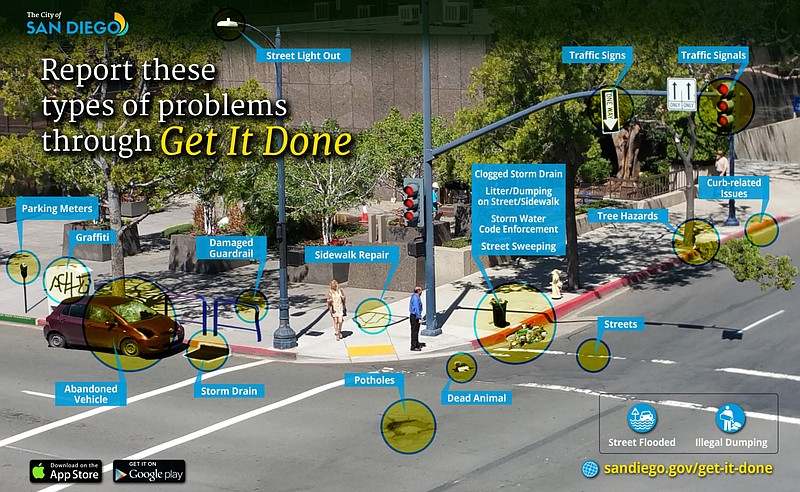
She will be picking up daily reports generated by Get It Done and placing them in the 'gim-staging' bucket. Then, she will clean the data and place the new dataset in the 'gim-processed' bucket.
She also wants to create a 'gim-test' bucket to experiment with.
Help Sam take the first step to her pipeline dreams. Help her create her first bucket, 'gim-staging'!
Questo esercizio fa parte del corso
Introduction to AWS Boto in Python
Istruzioni dell'esercizio
- Create a
boto3client to S3. - Create
'gim-staging','gim-processed'and'gim-test'buckets. - Print the response from creating the
'gim-staging'bucket.
esercizio interattivo pratico
Prova questo esercizio completando questo codice di esempio.
import boto3

# Create boto3 client to S3
s3 = boto3.____('____', region_name='us-east-1',
                         aws_access_key_id=AWS_KEY_ID,
                         aws_secret_access_key=AWS_SECRET)

# Create the buckets
response_staging = s3.____(____='gim-staging')
response_processed = s3.____(____='gim-processed')
response_test = s3.____(____='gim-test')

# Print out the response
print(response_staging)