Creating a Pinecone client
Throughout the course, you'll write Python code to interact with Pinecone via the Pinecone Python client. As a first step, you'll need to create your own Pinecone API key. Pinecone API keys used in this course's exercises will not be stored in any way.
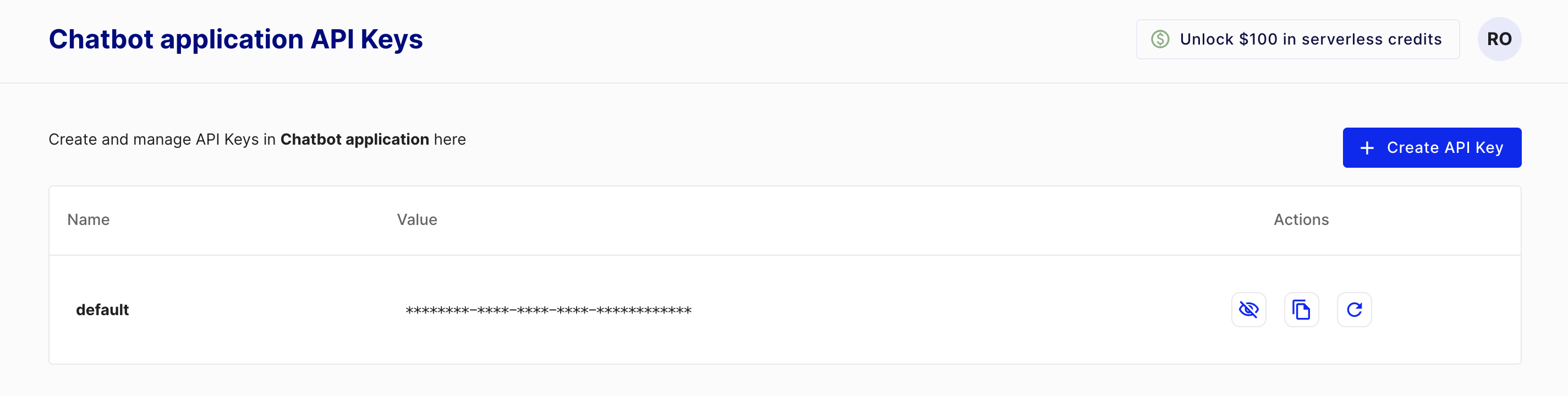
To create a key, you'll first need to create a Pinecone starter account, which is free, by visiting https://www.pinecone.io/. Next, navigate to the API Keys page to create your key.
This exercise is part of the course
Building AI Applications with Pinecone
Exercise instructions
- Import the class used to create a Pinecone client from
pinecone. - Instantiate the Pinecone class, passing in your API key.
Hands-on interactive exercise
Have a go at this exercise by completing this sample code.
# Import the Pinecone library
from ____ import ____

# Initialize the Pinecone client
pc = ____